

As an artist, you know that presentation is everything. A high-quality wall art mockup can be the difference between a scroll-past and a sale. It helps collectors visualize your work in their own homes, bridging the gap between a digital file and a physical product.
But with so many options out there—from complex Photoshop files to instant AI generators—which one shows your work in the best light? We've compiled the definitive list for 2026.
Bello
Best overall for premium interior scenes + controllable customization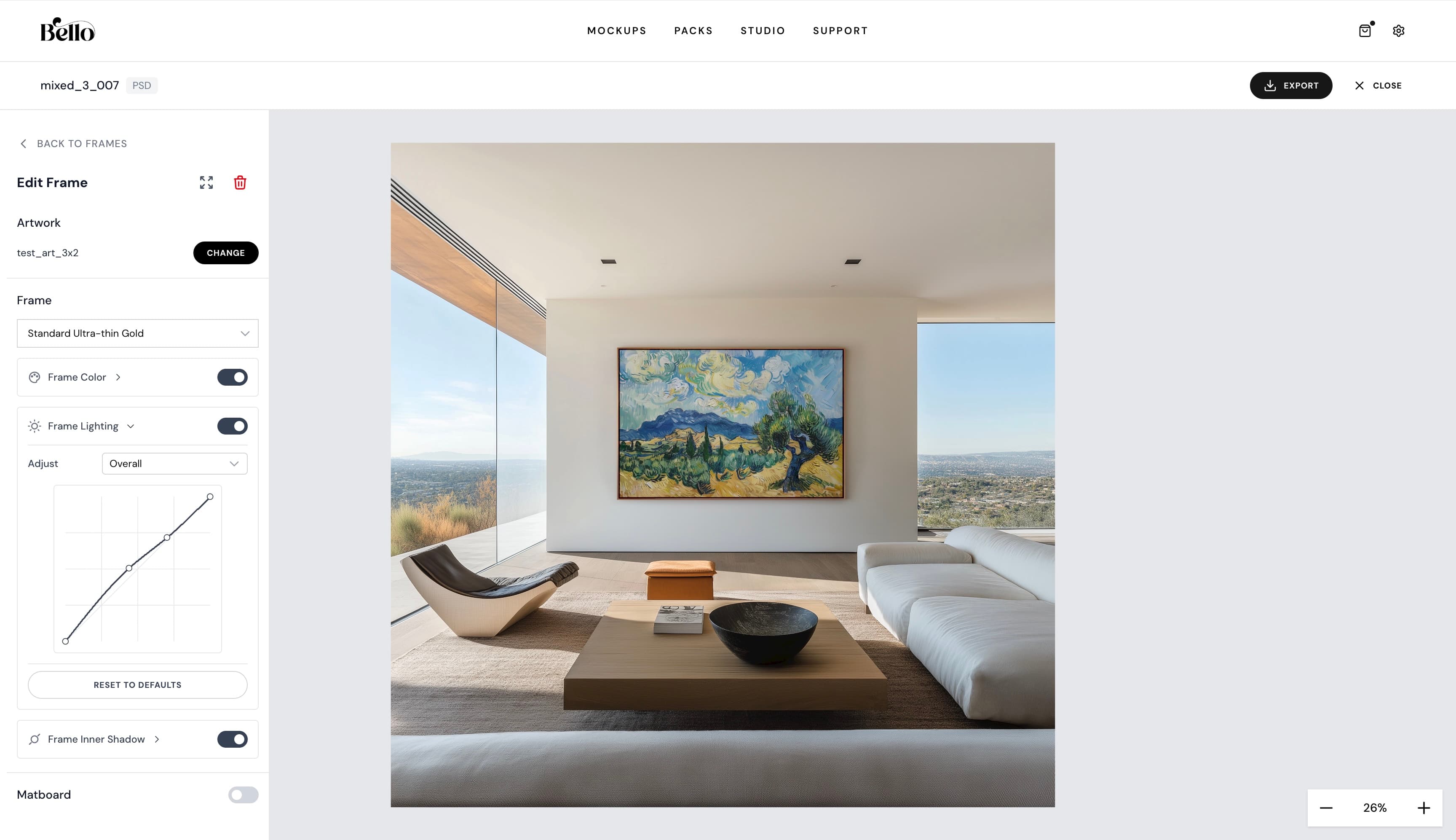
Bello takes a different approach than traditional mockup sites. First, it offers premium, magazine-grade interiors. Second, instead of flat images or difficult Photoshop files, it runs entirely in your browser using professional rendering technology. This means you get the realism of high-end photography with the flexibility of an interactive engine.
Pros
- Curated, high-end frames and interiors
- Runs in browser (No Photoshop needed)
- Real-time scene customization with ultra-realistic rendering
- Exports hi-res images and Video Mockups
- True-to-scale rendering: enter artwork dimensions for accurate sizing
Cons
- Newer library compared to massive aggregators
Placeit
Best for sheer volume + speed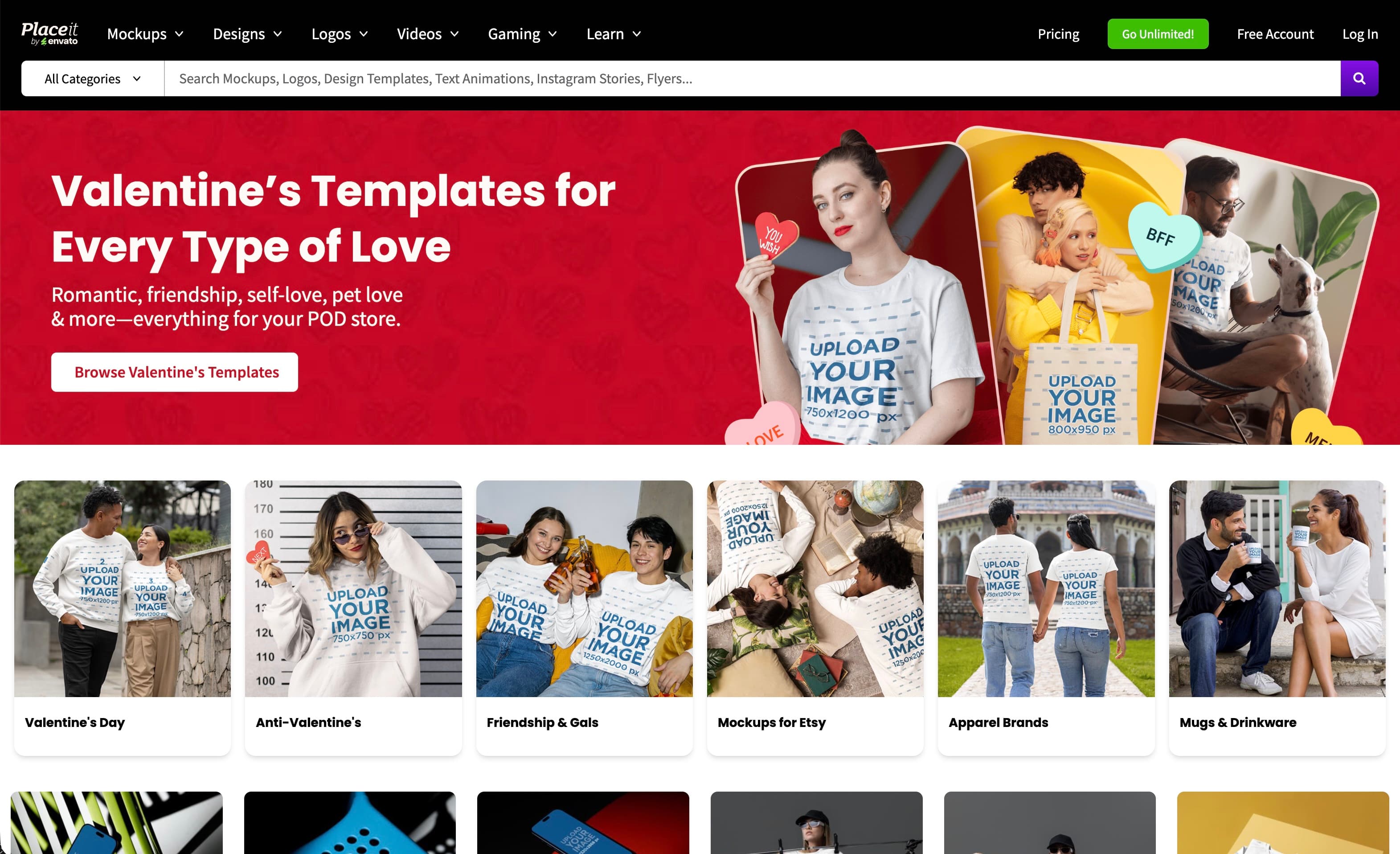
The giant of the industry. Placeit (owned by Envato) has thousands of templates. It's fast and easy, but the "generic stock photo" look can sometimes make high-end art feel a bit cheap.
Pros
- Massive library of templates
- Extremely easy "upload and download" workflow
- Includes mockups for other products (apparel, mugs)
Cons
- Can look generic / "stocky"
- Limited customization (fixed lighting/shadows)
- Subscription required for watermark removal
Website: placeit.net
Smartmockups
Best if your workflow is Canva-first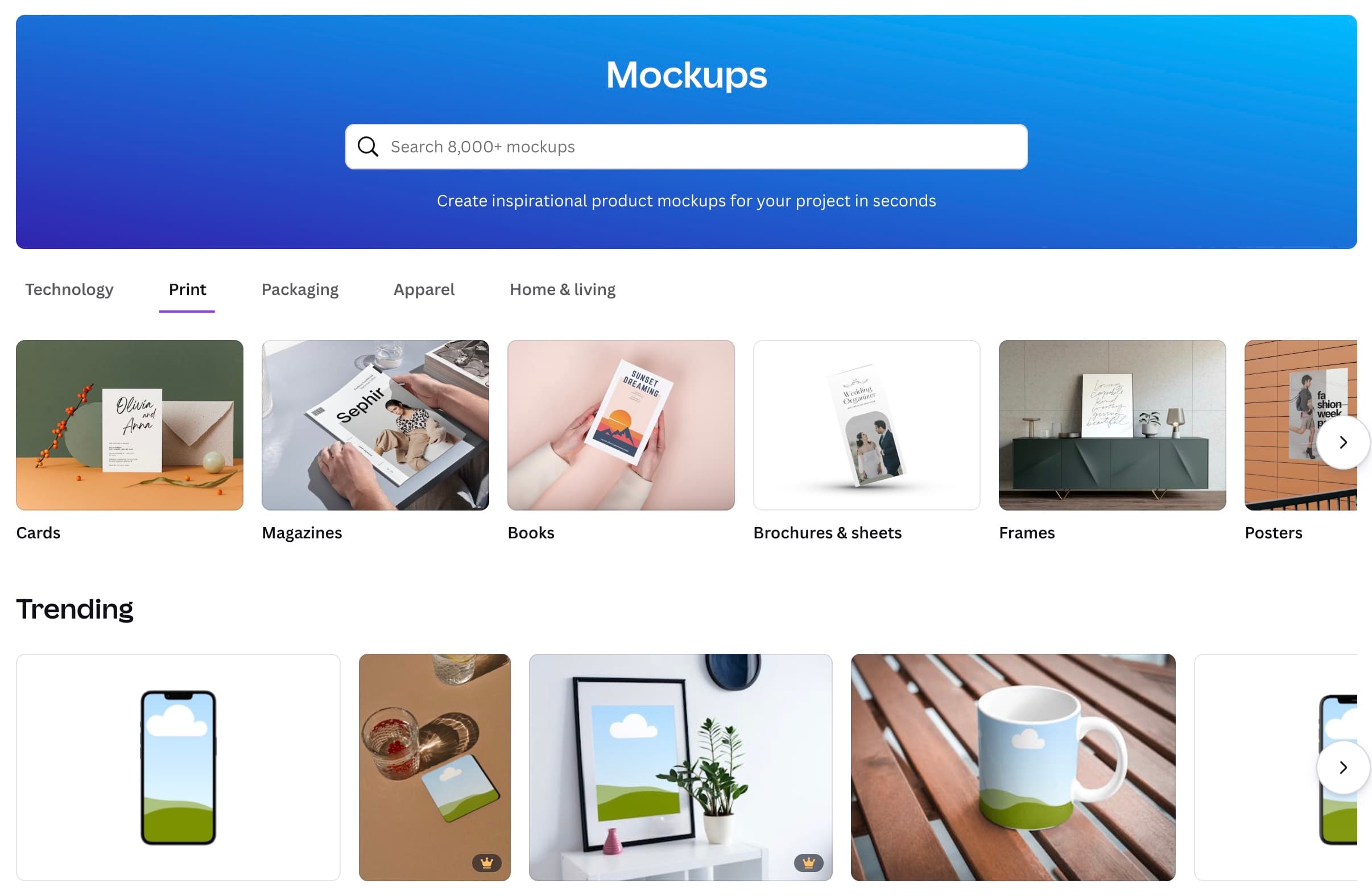
Now owned by Canva, Smartmockups is a fantastic option for speed. It has less "clutter" than Placeit and integrates directly with Canva, allowing you to export designs straight into a mockup.
Pros
- Seamless Canva integration
- Very fast rendering
- Clean, modern interface
Cons
- Library is smaller than Placeit's
- Static images only (no interactive control)
- Mockups can look generic and non-premium
Website: canva.com/mockups
Mediamodifier
Best Placeit-style alternative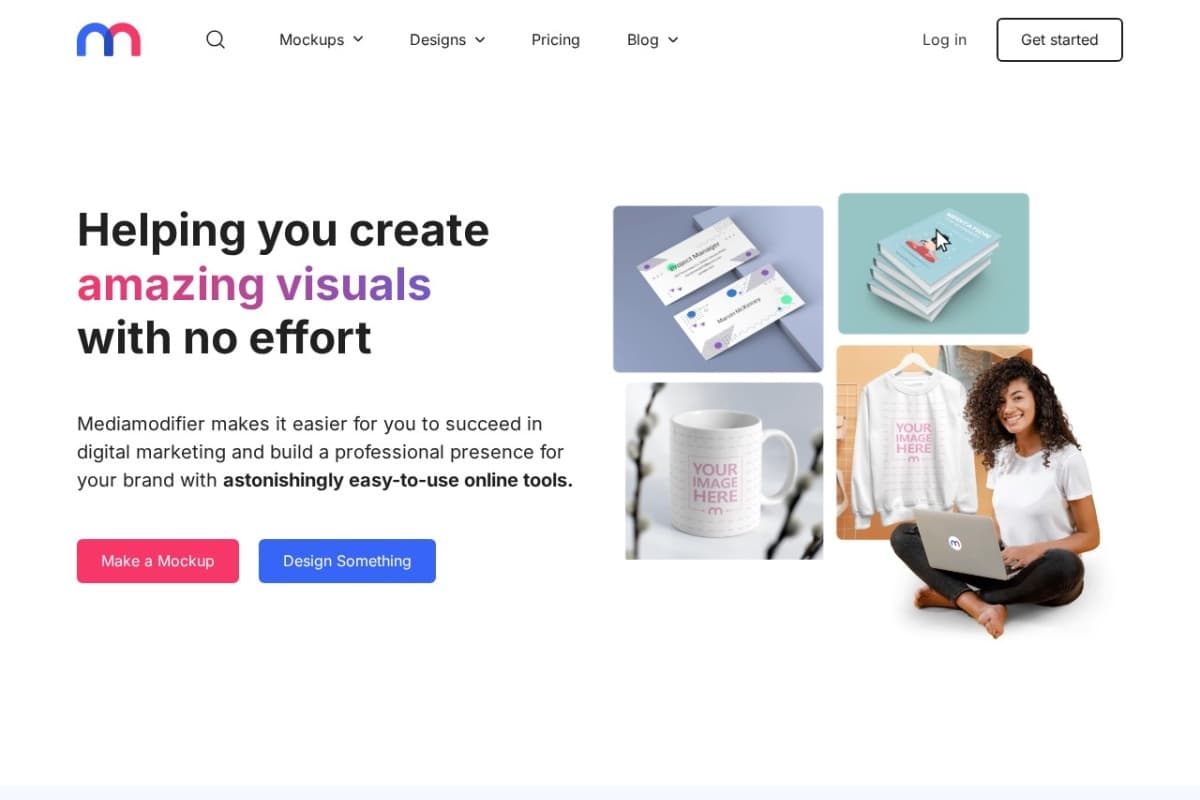
A strong competitor to Placeit with a very similar feature set. It offers a solid range of wall art mockups and allows for basic SVG editing directly in the browser.
Pros
- Intuitive drag-and-drop tool
- Allows SVG editing
- Competitive pricing
Cons
- Wall art category can feel cluttered
- Quality varies between templates
Website: mediamodifier.com
Renderforest
Best for fast, lightweight browser mockups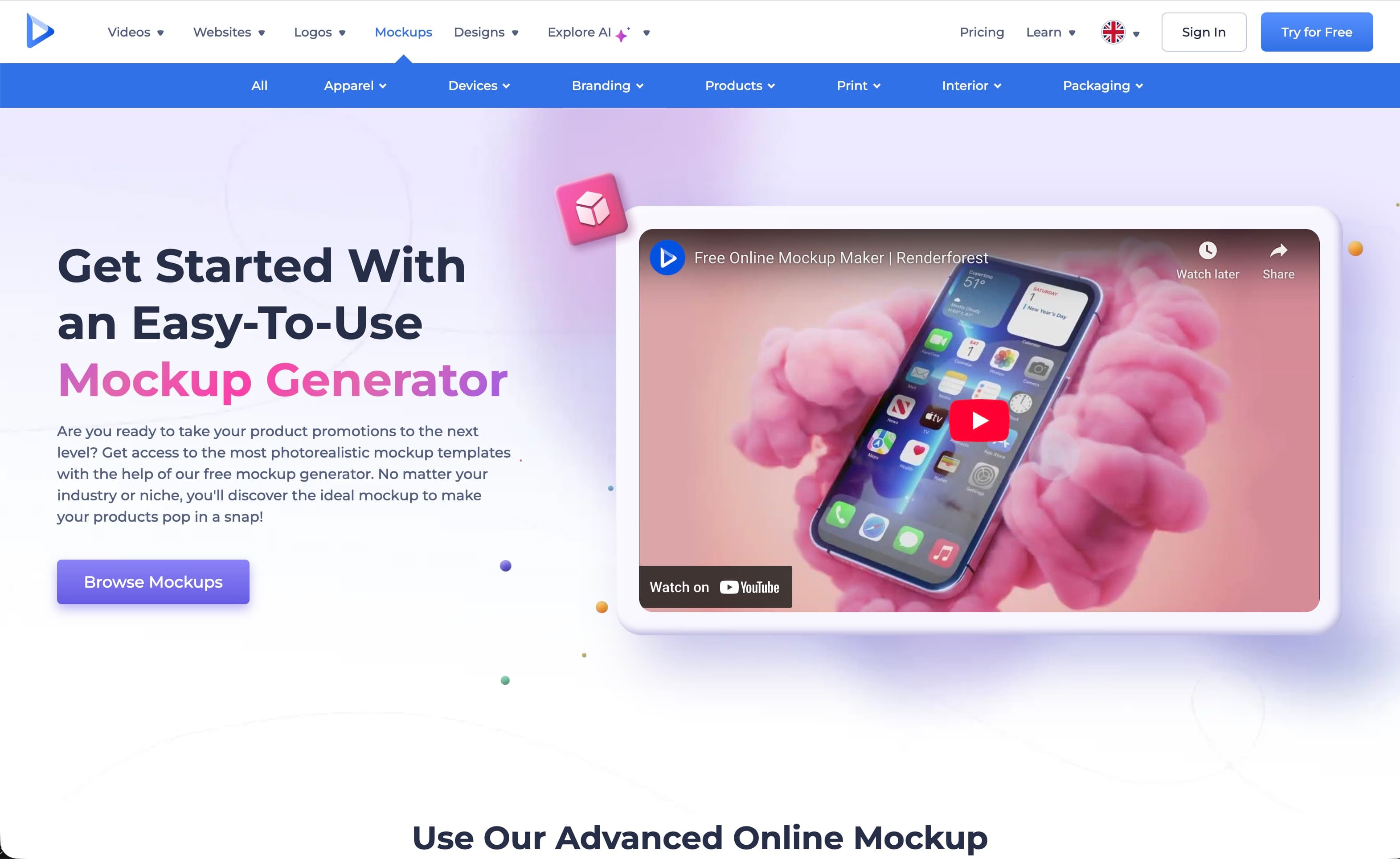
Known for their video maker, Renderforest also has a surprisingly capable mockup generator. It's lightweight and fast, making it great for quick social media posts.
Pros
- Very fast performance
- All-in-one platform (intro videos, websites)
Cons
- Wall art selection is secondary to other tools
- Specific branding style might not fit minimal artists
Website: renderforest.com/mockups
Artboard Studio
Best for power-user online editing + scene building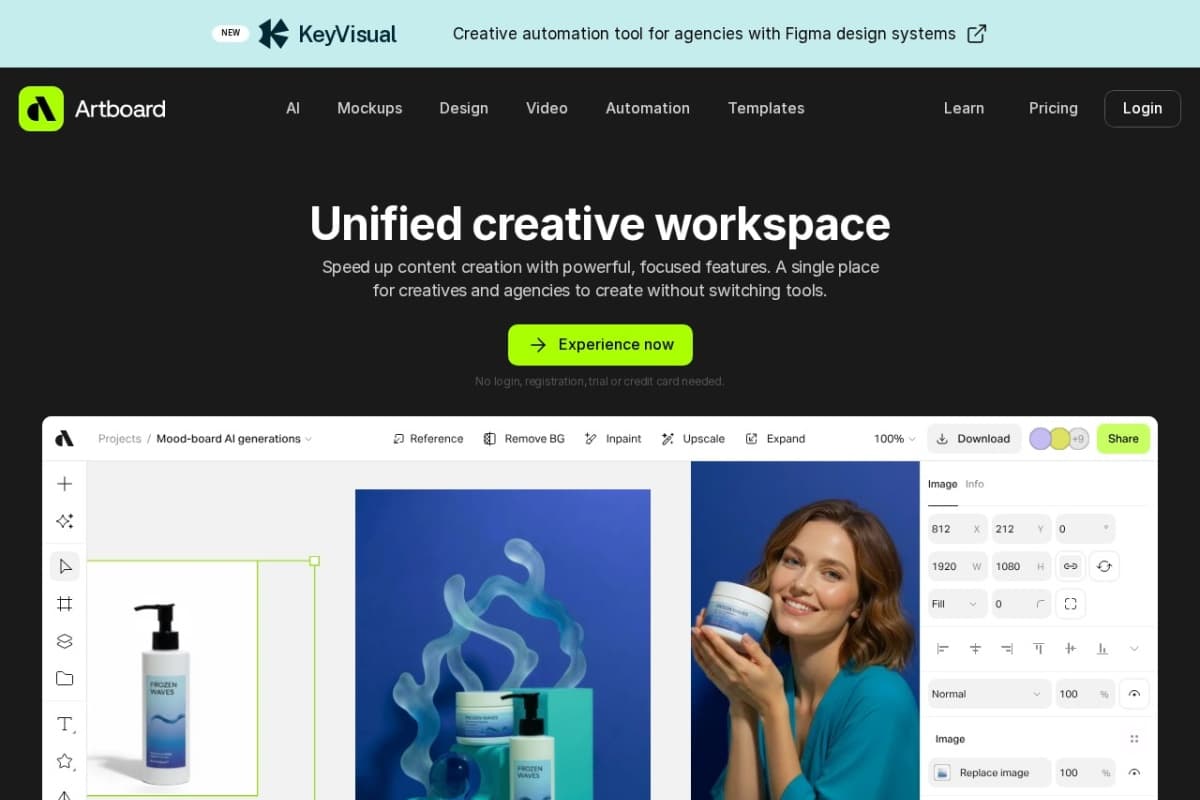
Think of this as "Photoshop in the browser." Artboard Studio gives you layers, masks, and full control. You can build your own scenes from scratch by dragging in props.
Pros
- Incredible control (build scenes from scratch)
- High resolution assets
- Professional feature set
Cons
- Steep learning curve
- Can be overkill for a simple "drag and drop" mockup
- Performance can be heavy on slower laps
Website: artboard.studio
Vexels
Best for design+mockup bundle ecosystem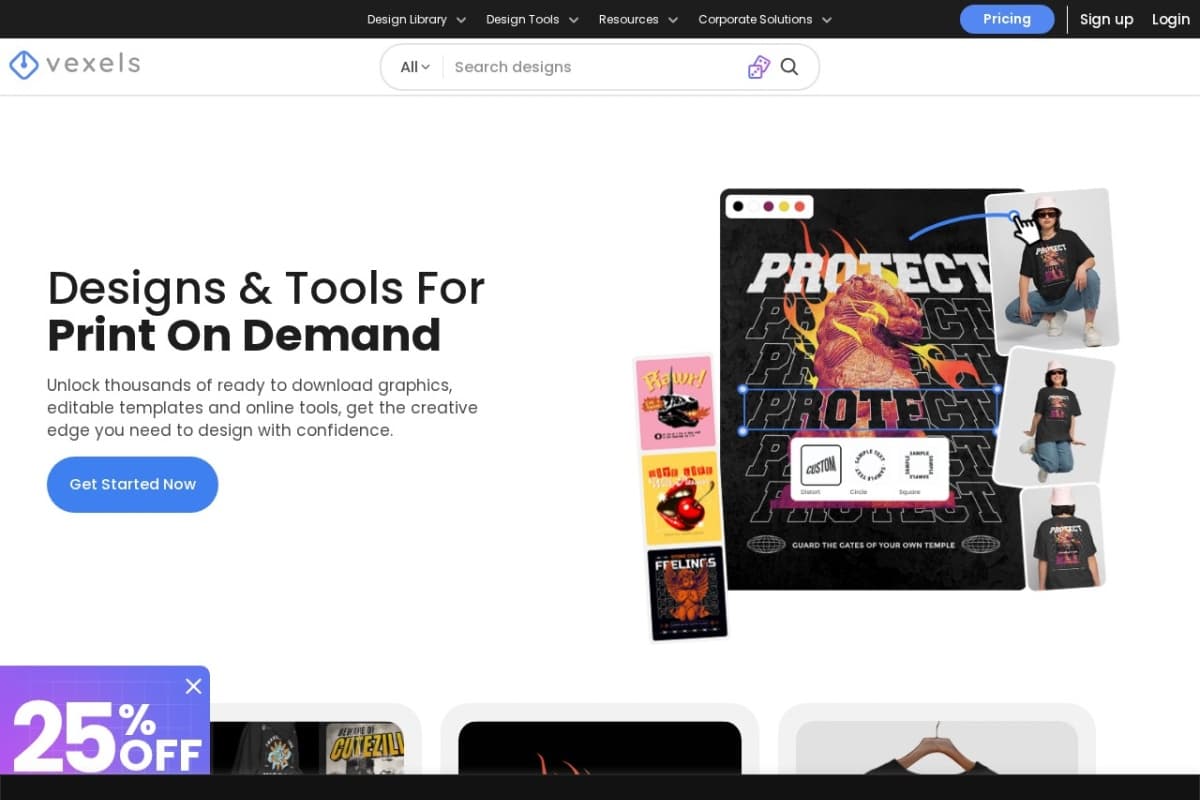
Great for creators who need both the *design* and the *mockup*. Vexels offers a subscription that accesses a huge library of vector graphics and a robust mockup generator.
Pros
- Access to vector graphics + mockups in one sub
- Print-on-demand friendly licensing
Cons
- Mockup generator is simpler than dedicated tools
- Specific aesthetic (more vector/illustration focused)
Website: vexels.com
Envato Elements
Best subscription library for downloadable PSDs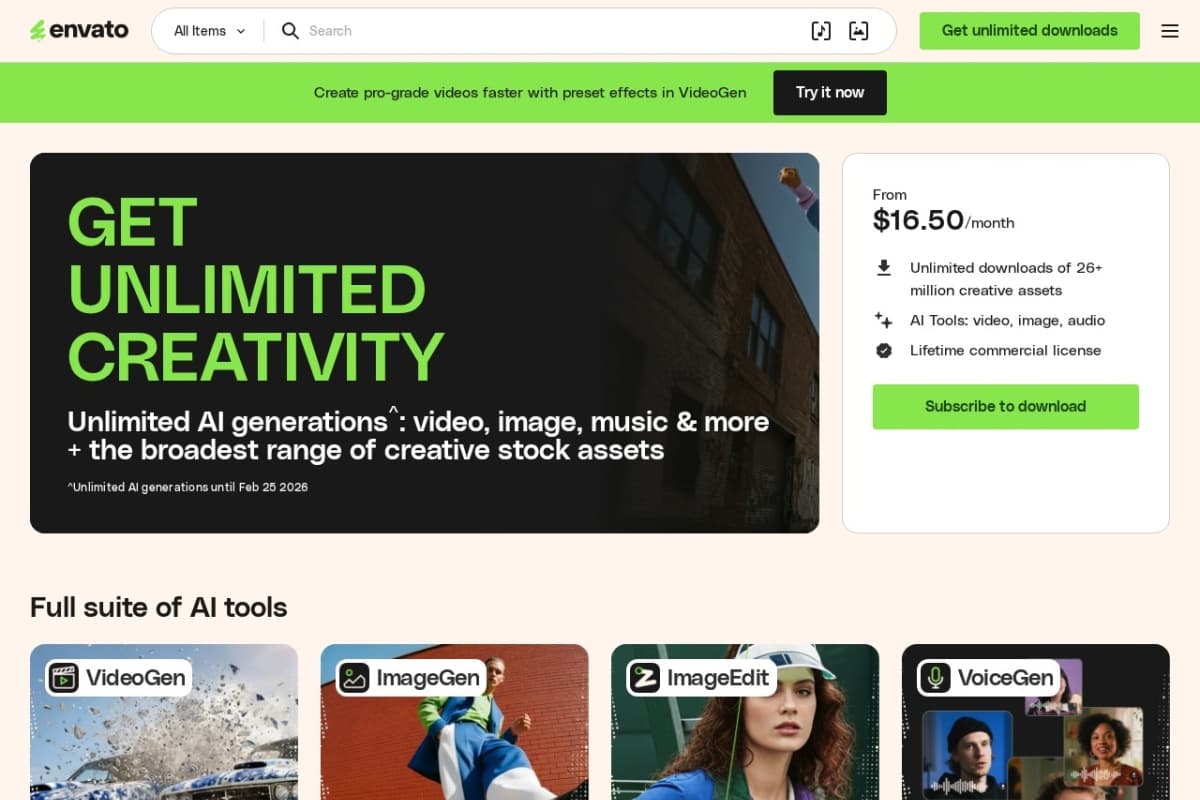
If you know how to use Photoshop, this is arguably the best value on the internet. One subscription gives you unlimited downloads of millions of high-quality PSD mockups.
Pros
- Unbeatable value (Unlimited downloads)
- High-quality, professional PSDs
- Includes fonts, photos, and more
Cons
- Must use Photoshop (not a generator)
- You have to download and store large files
- Many mockups look basic or low-end
- Limited control over lighting, angles, and customization
Website: elements.envato.com
Freepik
Best “huge catalog” library for wall-art PSDs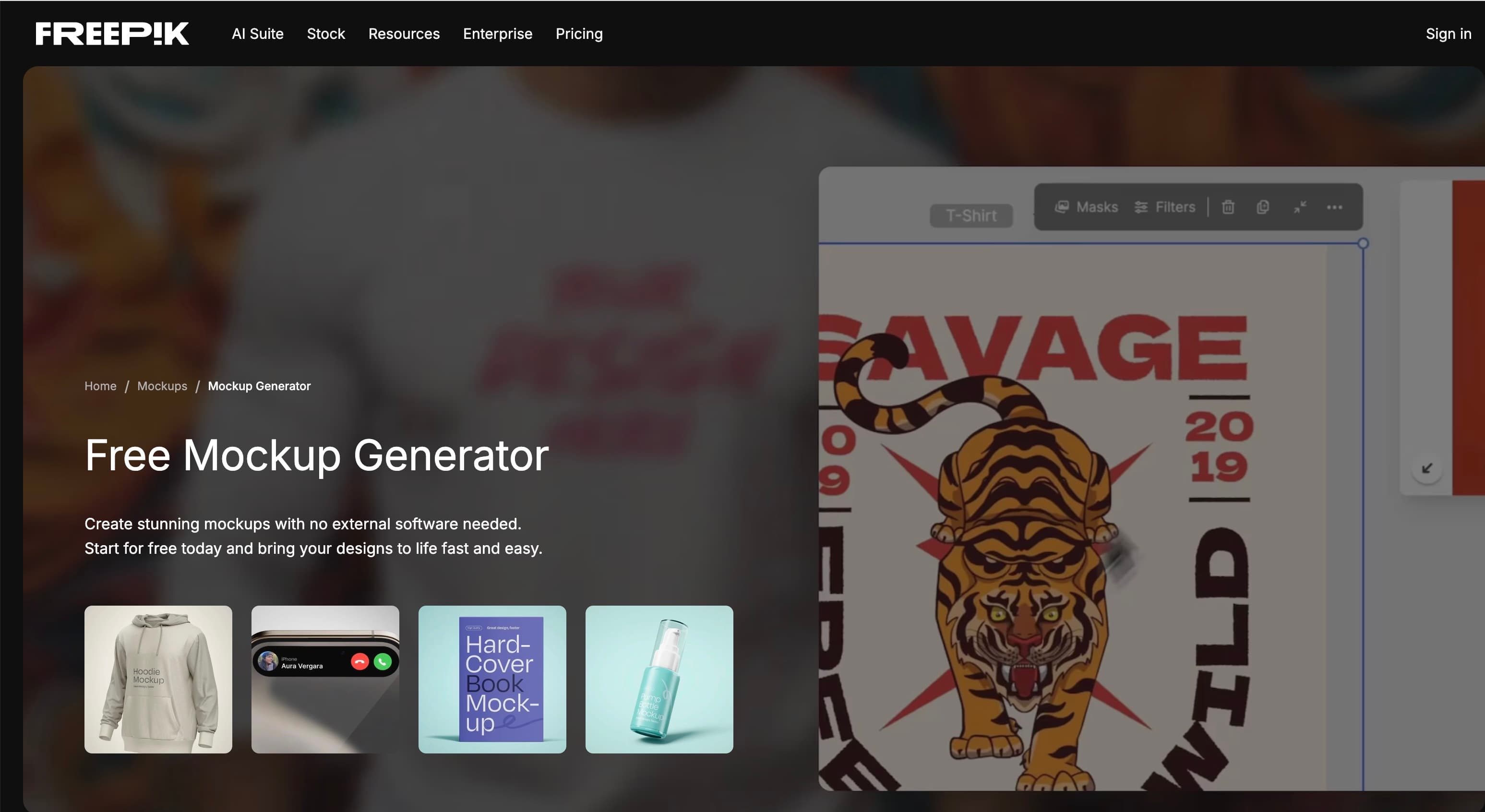
The go-to mostly-free resource. Freepik has a staggering amount of diverse content. Quality varies wildly, but you can find gems if you dig.
Pros
- Huge selection of free PSDs
- Very good for current design trends
Cons
- Attribution required for free tier
- Quality is inconsistent
- Requires Photoshop
Website: freepik.com
Etsy
Best marketplace for niche styles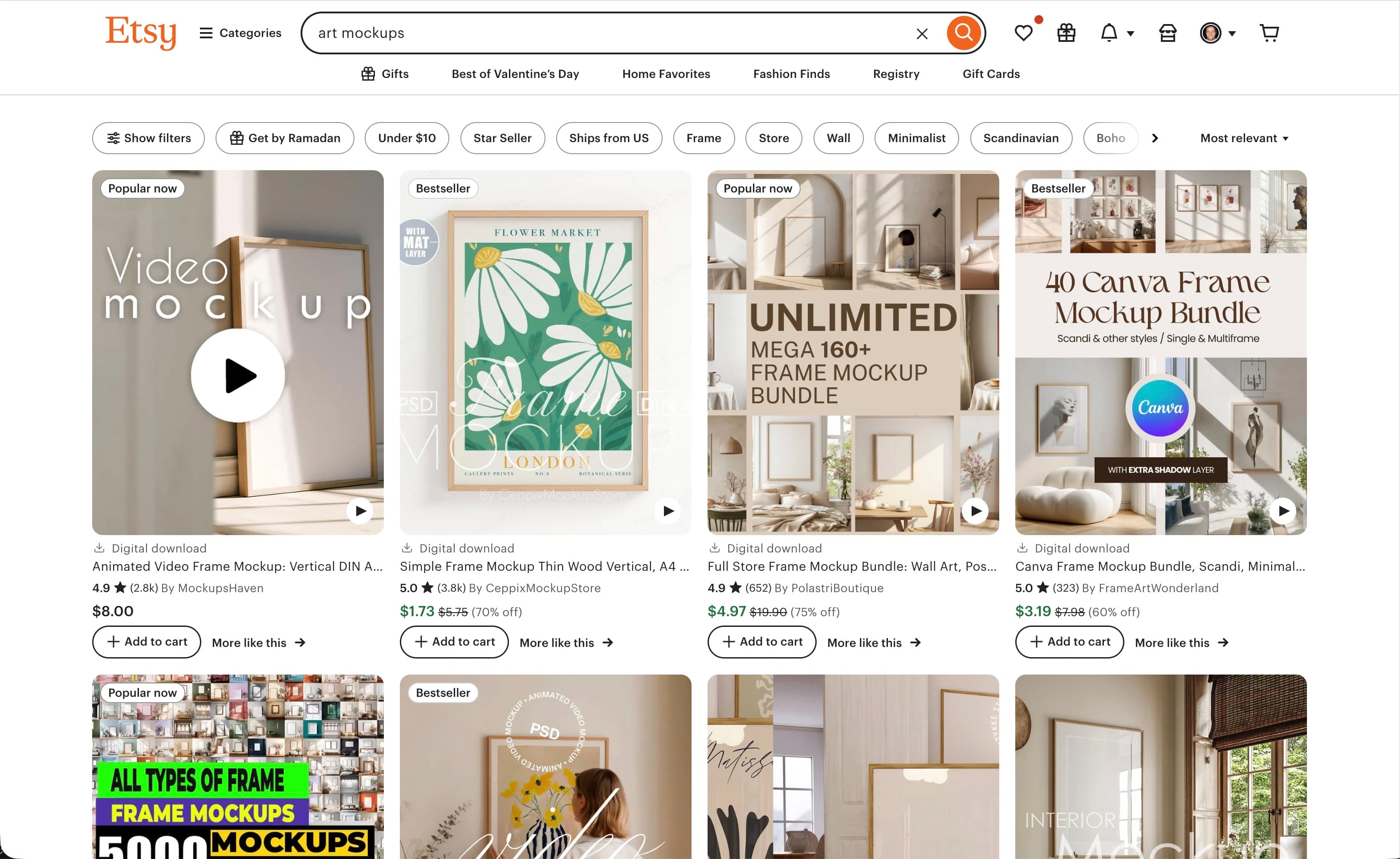
While not a "tool," Etsy is the best place to buy mockups if you want a very specific, trendy aesthetic (e.g., "Boho neutral nursery" or "Dark academia living room"). You are buying directly from other photographers.
Pros
- Unmatched aesthetic variety
- Supports independent creators
- High-quality, trend-aware photography
Cons
- No consistency between sellers
- Mostly static images (requires Photoshop/Canva manual work)
Website: etsy.com
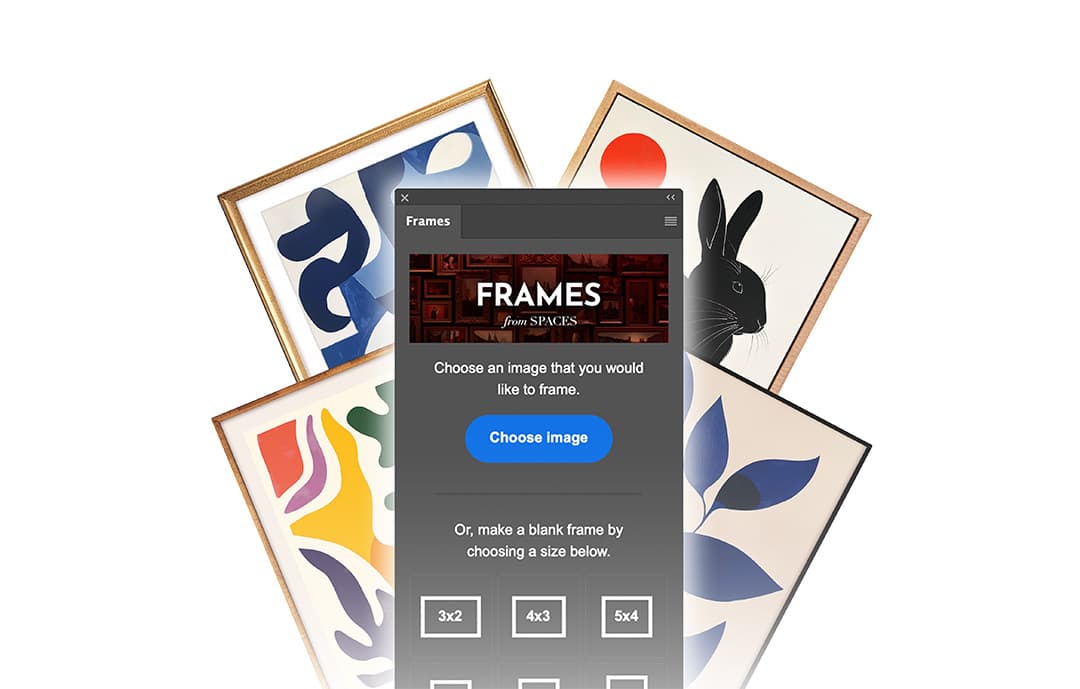
Want to make your own mockup?
Skip the templates and build a custom scene from scratch, from an empty room to a finished, framed piece.
How to Create an Art Mockup in Photoshop →