

A virtual art gallery puts your work on the walls of a 3D room that visitors can walk through from a link. It shows scale and context in a way a grid of thumbnails can’t, and it gives you something more memorable to share than another portfolio page.
The free options changed a lot in 2026. Artsteps, long the default free tool, now sends new users to its paid successor Metasteps. Spatial ended its free and Pro creator plans in July, and galleries hosted there were removed. Many “best free virtual gallery” lists still recommend both.
This guide sorts the platforms artists actually use today into two groups: ones you can publish from for free, and ones that offer a trial before a subscription. We checked every platform’s own site in October 2026. We’ve left out exact prices because they change often; follow the links for current pricing.
Disclosure: we make Bello, which is listed first. We’ve tried to be fair about where other tools are the better fit.
At a glance
| Platform | Free to publish? | How you build it | On phones |
|---|---|---|---|
| Bello | Yes | Pick a ready-made room | Yes |
| ExhVerse | Yes (branded) | Pick a ready-made room | Yes |
| OpenVGal | Build free, hosting paid | Folders become rooms | Yes |
| Galeryst | Yes (1 gallery) | Generated from photos | Yes |
| Kunstmatrix | No public shows | Pick a ready-made space | Yes |
| Exhibbit | Trial only | Pick a room template | Yes |
| ArtPlacer | Trial only | Pick a ready-made space | Yes |
| Metasteps | Trial only | 3D editor or AI draft | Yes |
| New Art City | Trial only | Build your own world | Partly |
Free to publish
Bello
Best for showing artwork at its real size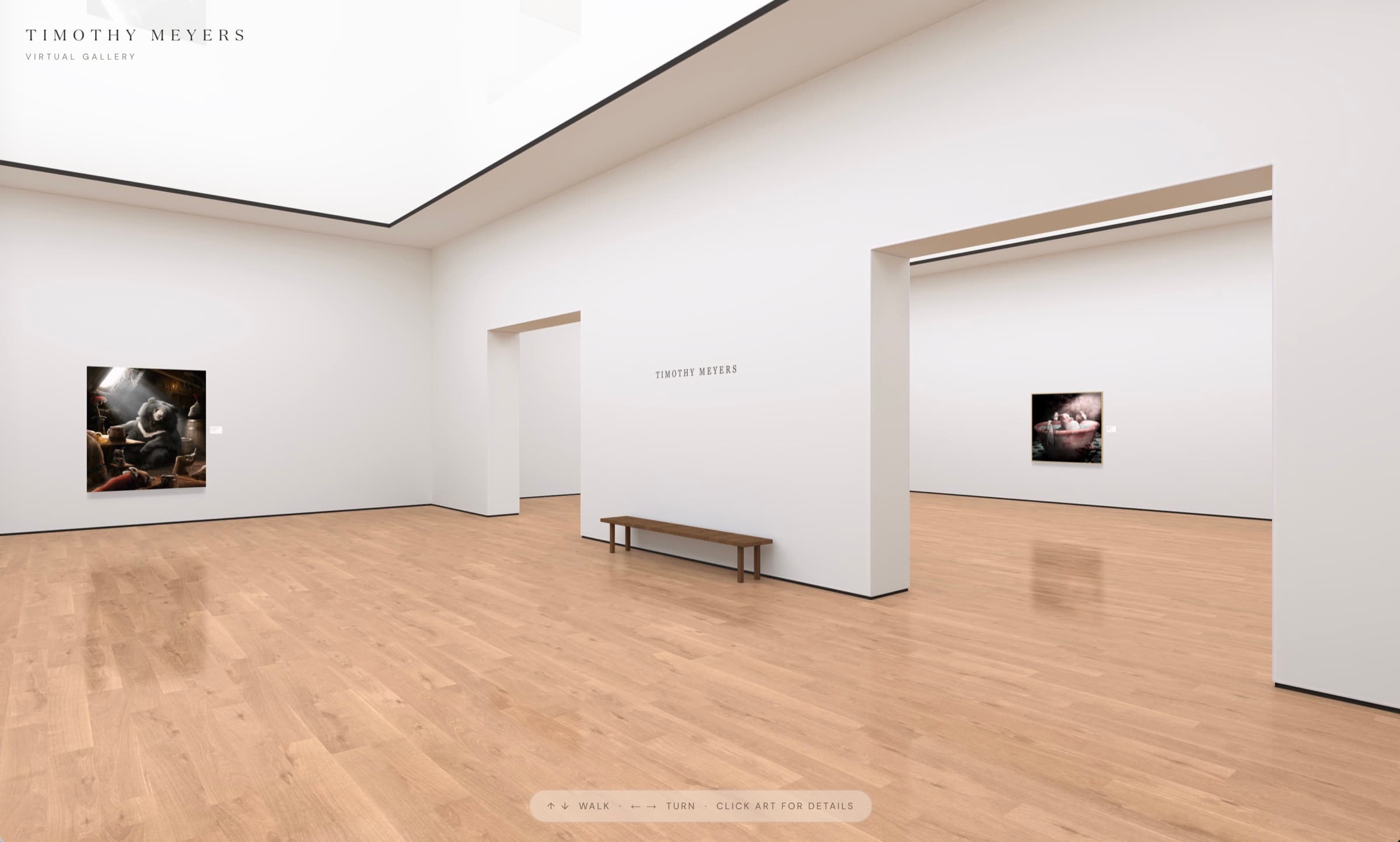
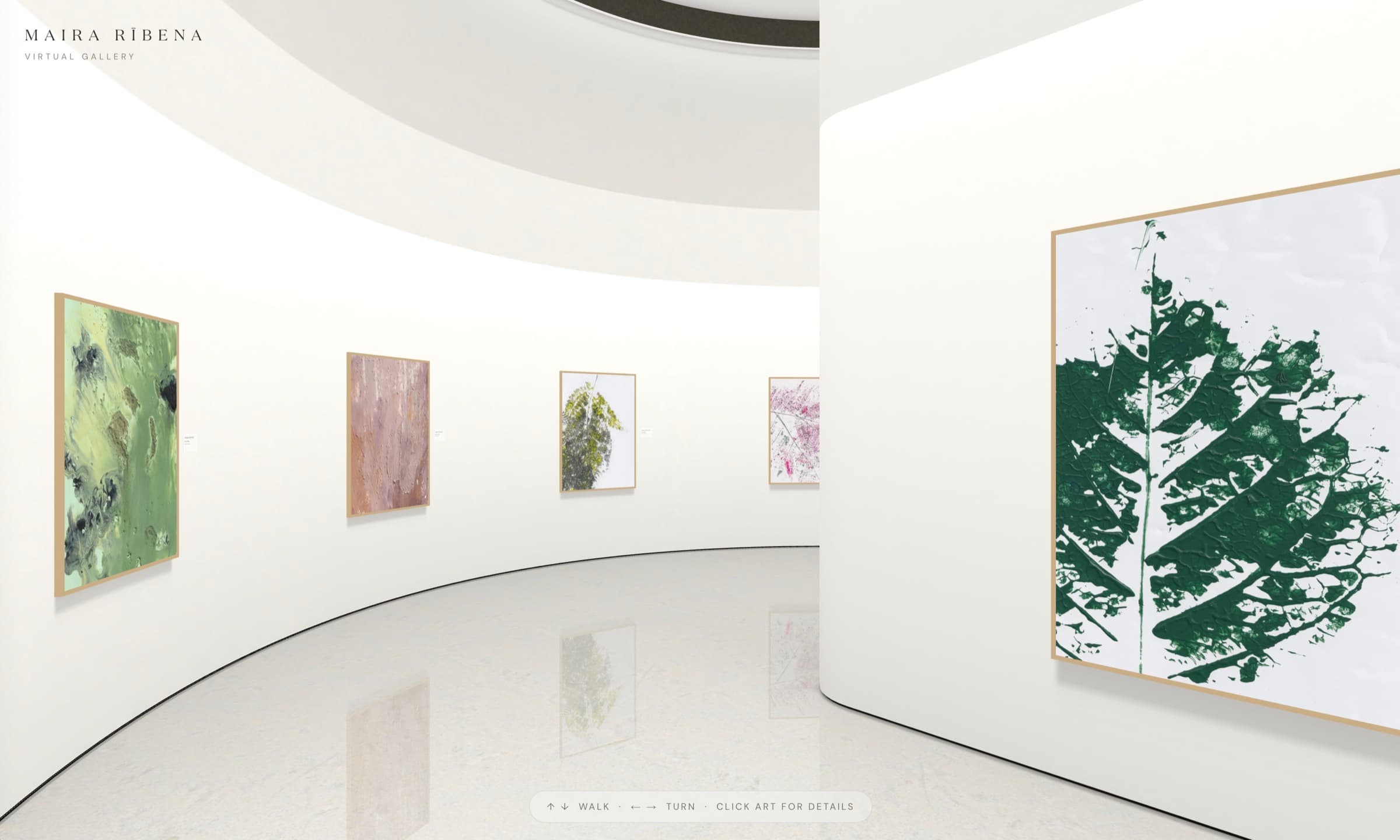
Bello is built around one idea: your work should look the way it would in a real gallery. You enter each piece’s dimensions and it hangs at exactly that size, so a small study and a large canvas read correctly next to each other. You pick a ready-made room, choose your works, and your gallery is live at bello.art/yourname/gallery, with an artist page in front of it.
There are currently two rooms: The Loop, a skylit elliptical gallery for up to 12 works, and Twin Rooms, two connected spaces for up to 25. Visitors walk the room in any browser, phones included: tap a work and you step up to stand in front of it.
Pros
- Free to create and publish
- True-to-scale artwork inside the room
- Live in minutes: no 3D editing
- Comes with an artist page at your own address
Cons
- Two rooms so far, with more on the way
- One gallery per artist
- No VR headset mode
ExhVerse
Best for several small free exhibitions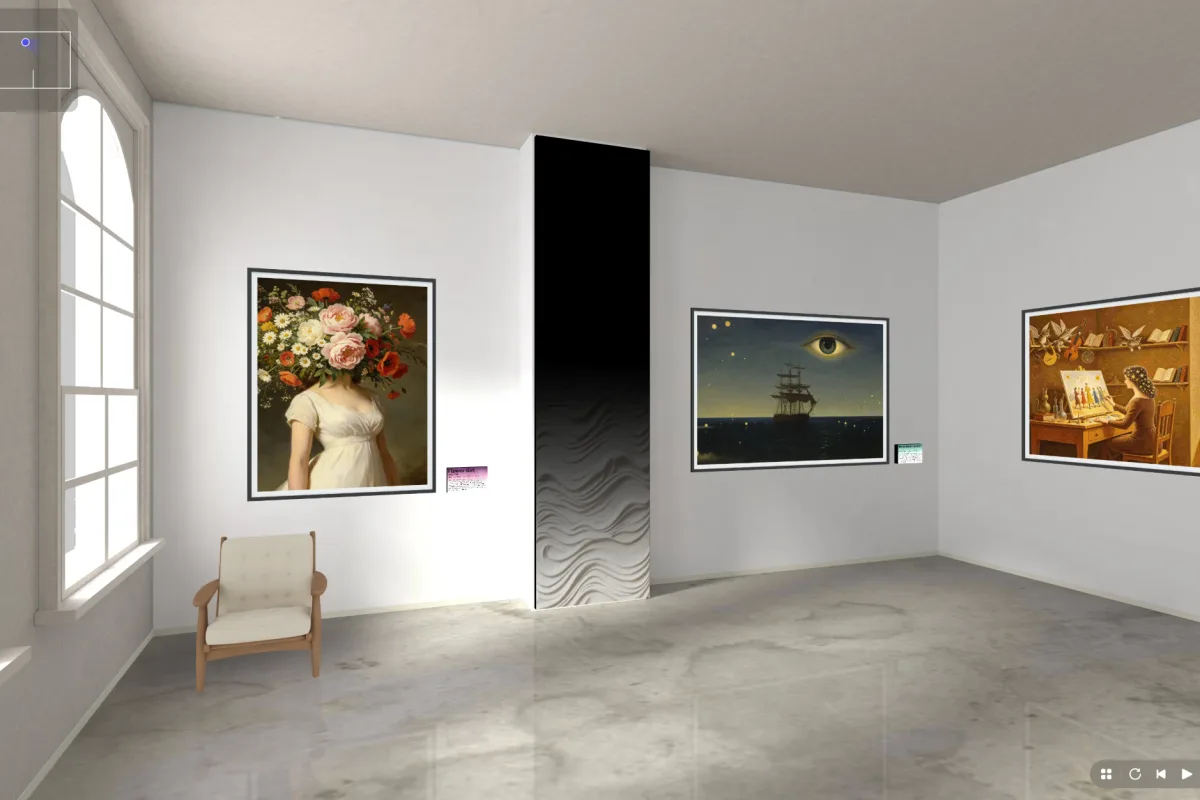
Launched in 2026 by the team behind FlipHTML5, ExhVerse lets you drop images into ready-made exhibition spaces and add titles and descriptions. According to its launch announcement, the free plan publishes a handful of shareable exhibitions; the paid plan removes ExhVerse branding and raises the limits.
Pros
- A genuinely free plan you can publish from
- Several exhibitions, not just one
- Opens in any browser, including phones
Cons
- ExhVerse branding on free exhibitions
- Very new, with a short track record
Website: exh.fliphtml5.com
OpenVGal
Best for exporting your gallery as files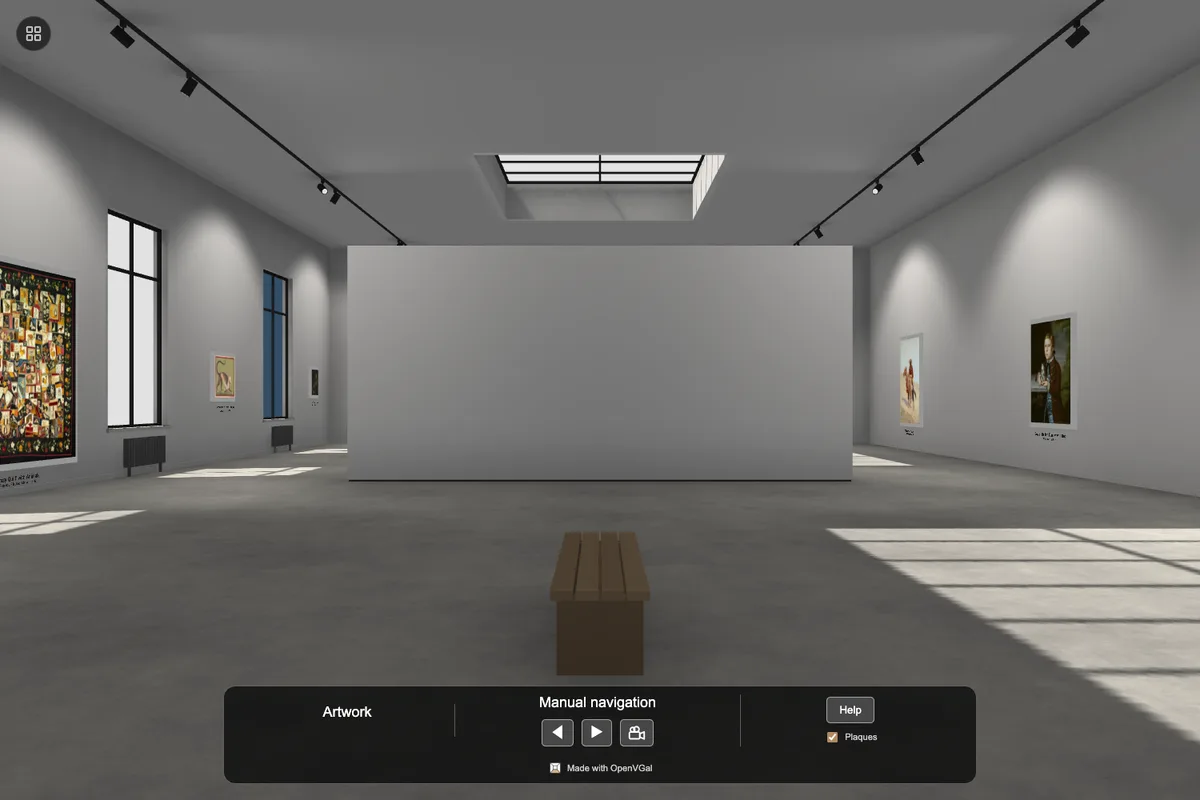
OpenVGal takes an unusual approach: there is no account. You drop in folders of images, each folder becomes a framed, lit room, and you can export the whole gallery as a self-contained bundle to host yourself. A permanent hosted link is a paid add-on.
Pros
- No sign-up needed to build
- You keep the files and can self-host them
- Works in a phone browser
Cons
- Free hosting is not included: you host it yourself or pay
- New, small project
Website: openvgal.com
Galeryst
Best for photographers who use Lightroom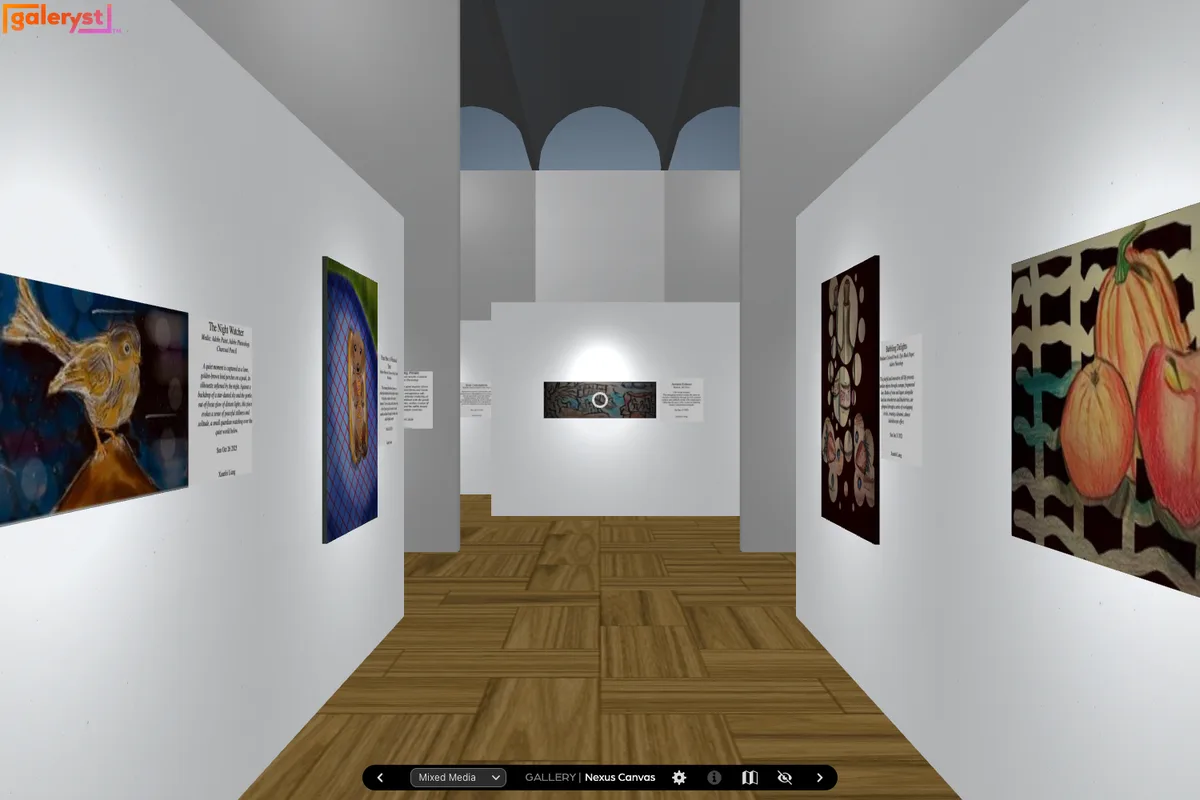
Galeryst generates a 3D gallery automatically from your photos or a synced Lightroom album, then lets you adjust layout and materials, add guided tours, and sell prints. The free Starter plan includes one gallery. You need a free Adobe ID to create one.
Pros
- Gallery space is generated for you
- Lightroom album sync
- Visitors can view on phones, tablets, and VR headsets
- Built-in print sales
Cons
- Adobe ID required
- Free plan takes a larger cut of print sales than paid plans
- Aimed at photography more than painting
Website: www.galeryst.com
Free trial, then paid
Kunstmatrix
Best established option for artists and galleries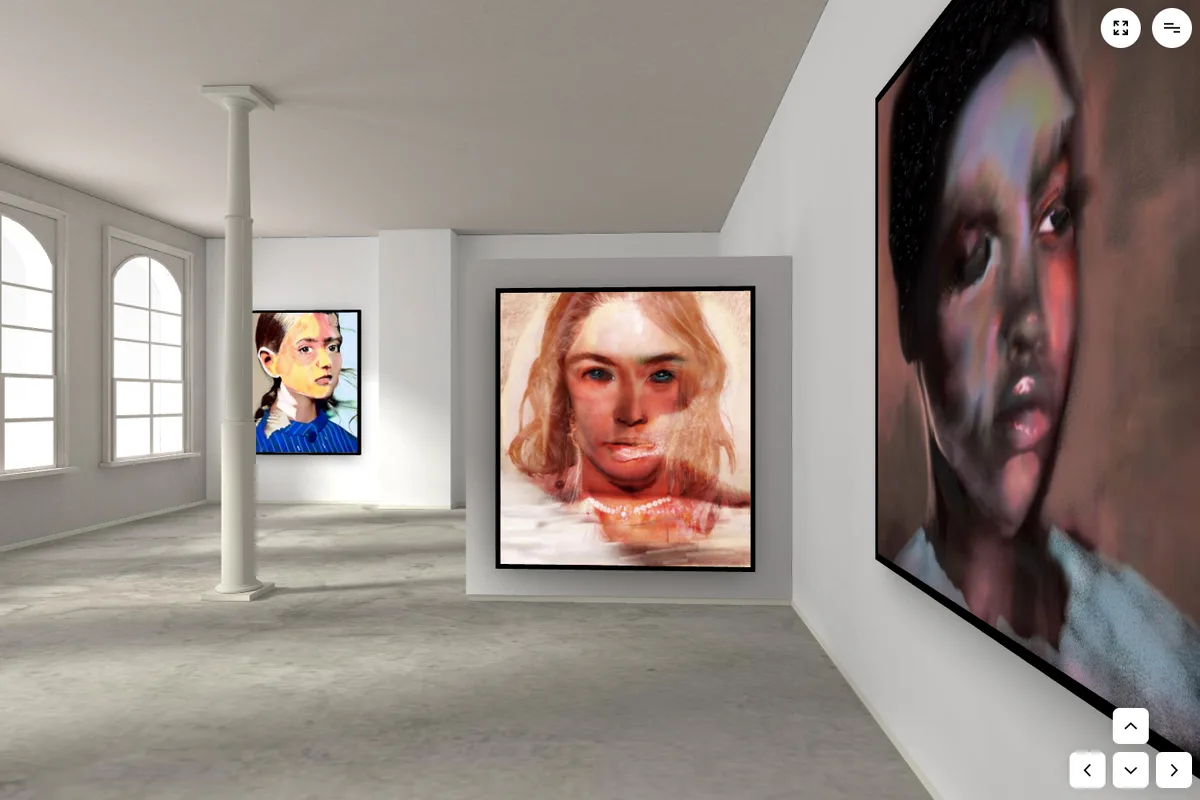
One of the longest-running virtual exhibition tools. You pick a ready-made 3D space (or buy one from its marketplace), then place artworks, sculptures, audio, and video. Its free Starter plan is a limited trial that does not include public 3D exhibitions, so publishing requires a paid plan.
Pros
- Mature, well-known product
- Large choice of ready-made spaces
- Separate AR app to preview artwork on a real wall
Cons
- Cannot publish a public exhibition for free
- Artwork and exhibition counts are capped by plan
Website: www.kunstmatrix.com
Exhibbit
Best for polished, ready-made rooms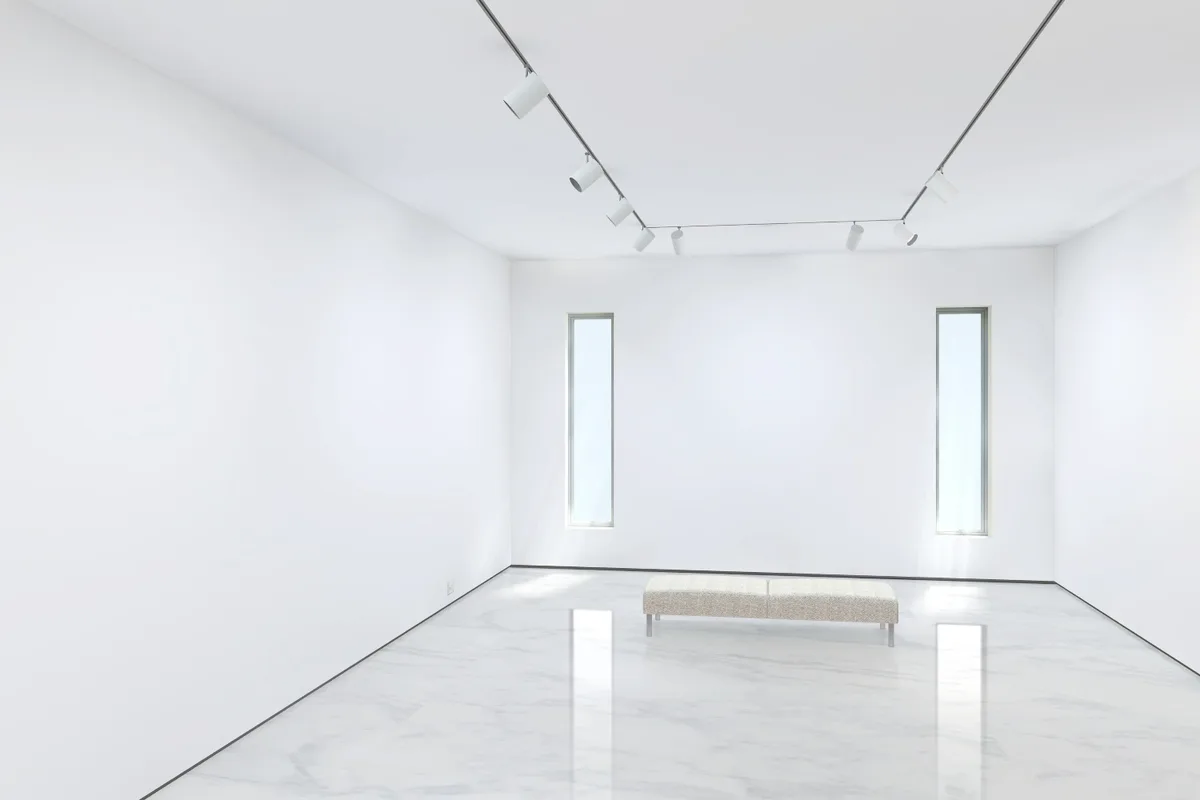
Exhibbit is priced by room: you choose a template (from a single solo room to a two-room layout), upload your work, and customize wall colors, frames, mats, and text. Exhibitions include video, audio, inquiry links, and analytics. There is a short free trial, then a subscription.
Pros
- Clean, gallery-like room templates
- Inquiry and sales links built in
- Browser-based, with no download
Cons
- No free plan after the trial
- Artwork limits depend on the room you pay for
Website: exhibbit.com
ArtPlacer
Best if you already use ArtPlacer for room mockups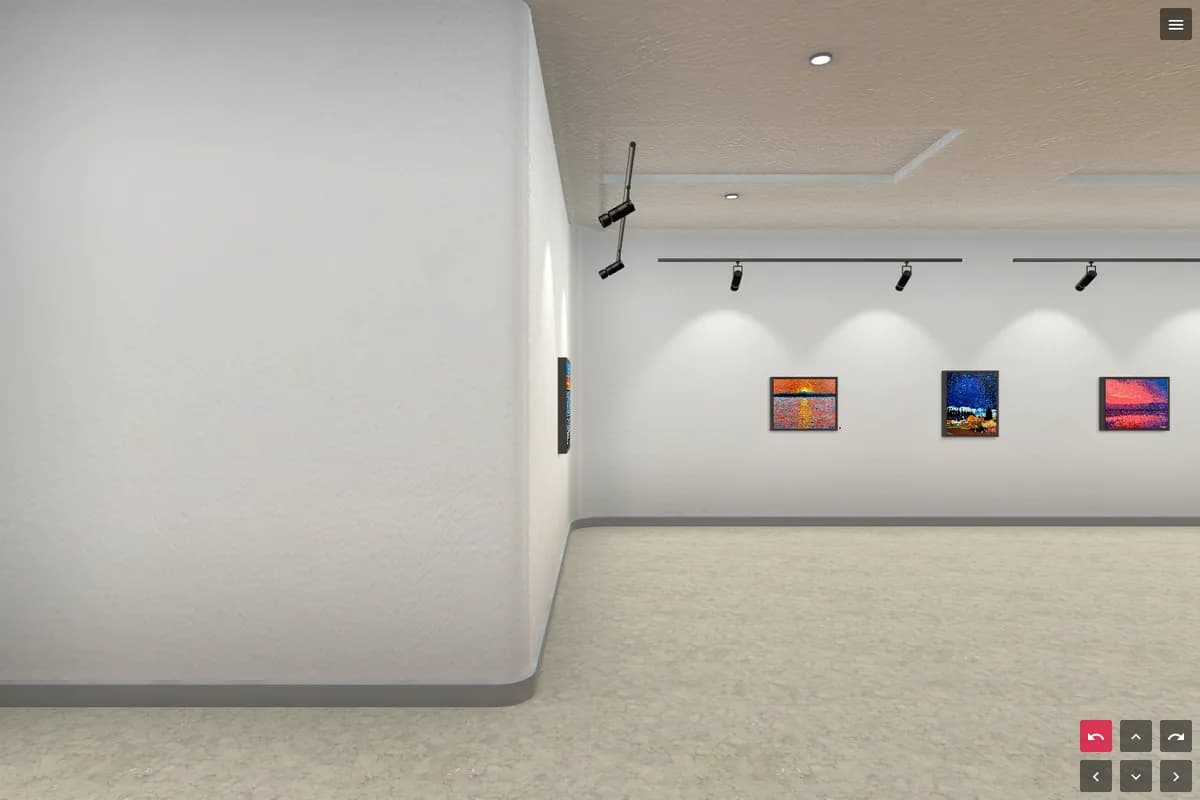
ArtPlacer is best known for room mockups; virtual exhibitions are an add-on with about a dozen customizable spaces, from museum halls to art-fair booths. Exhibitions are only included on its higher artist and gallery plans, and removing ArtPlacer branding requires the top tier.
Pros
- Mockups and exhibitions in one account
- Art-fair booth layouts for galleries
- "View in AR" for visitors
Cons
- Not included in the entry-level artist plans
- Free trial only
Metasteps (formerly Artsteps)
Best for building a space from scratch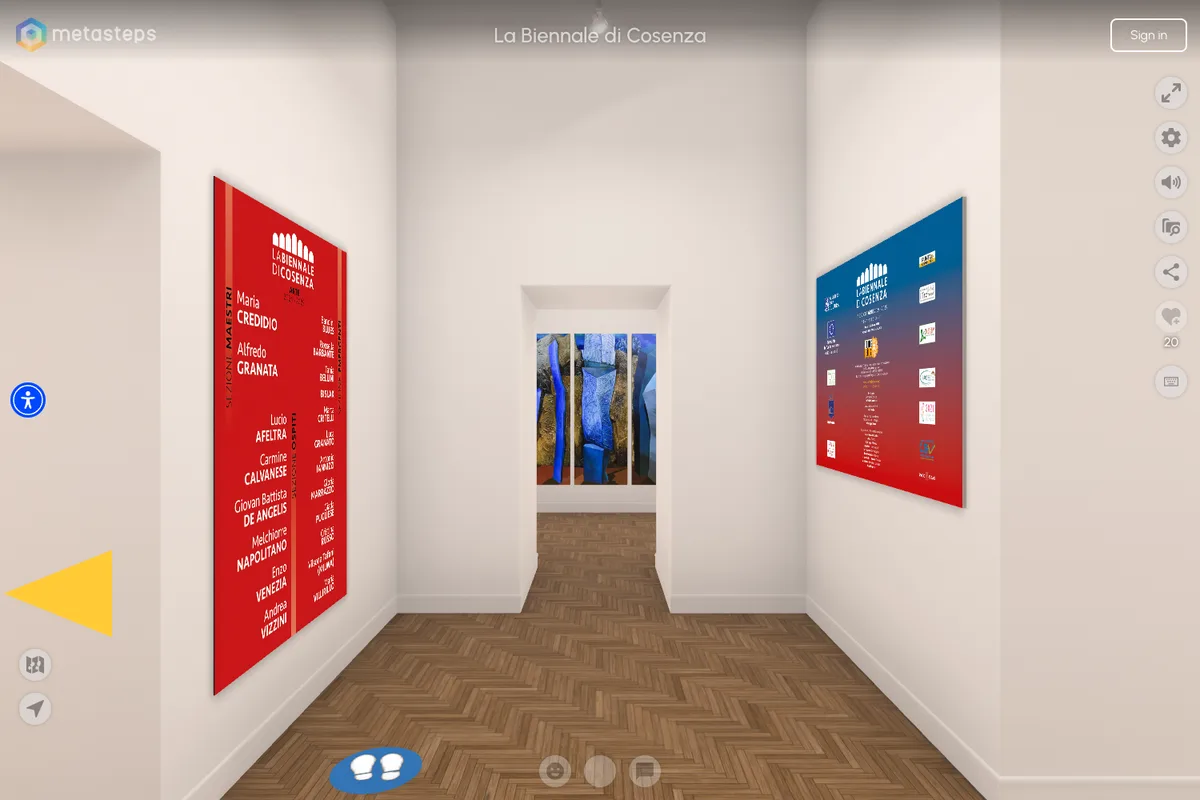
Artsteps was the go-to free virtual gallery for years. New sign-ups now go to its paid successor, Metasteps, which adds an AI assistant that drafts a space from a description and narrated “story path” tours. There is no free tier, only a trial, and old Artsteps exhibitions are migrated automatically only on annual plans.
Pros
- Full 3D editor: design your own space
- Guided, narrated tours
- Popular with schools and museums
Cons
- No longer free
- More setup work than pick-a-room tools
- Monthly subscribers must rebuild old Artsteps shows by hand
Website: metasteps.com
New Art City
Best for digital and new-media art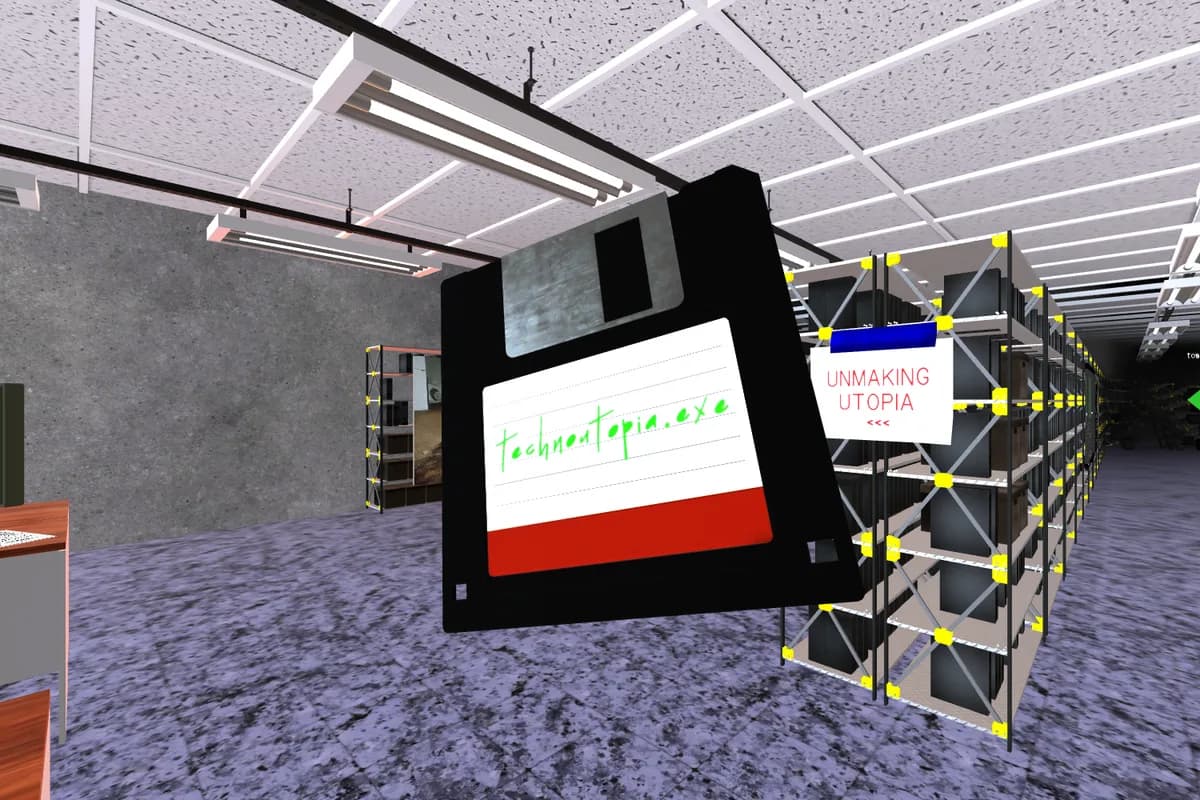
A toolkit for building custom 3D worlds in the browser, popular with digital artists, students, and educators. The free tier is a limited trial with one space; ongoing use is a supporter subscription. It is ad-free.
Pros
- Total creative freedom over the space
- Strong community of digital artists
- No ads
Cons
- Free tier is a trial with tight upload limits
- Steeper learning curve for a simple show of paintings
Website: newart.city
What about Spatial?
Spatial used to be a popular free way to put art in a 3D room, in the browser and in VR. In May 2026 it announced it was ending its Free and Pro creator plans, and on July 27, 2026 creator worlds and their assets were removed. The company now focuses on enterprise training and games. If your gallery lived on Spatial, any free option above is a quick way to get it back online.
How to choose
- You paint or make physical work and want it to look real: choose a tool that hangs work at true scale, such as Bello.
- You want several shows at once, free: ExhVerse, if you can live with its branding.
- You’re a photographer on Lightroom: Galeryst.
- You want to own the files: OpenVGal.
- You run a gallery or need many exhibitions: Kunstmatrix, Exhibbit, or ArtPlacer.
- You want to design the architecture yourself: Metasteps or New Art City.
Frequently asked questions
- Is Artsteps still free?
- No. Artsteps now sends new users to its paid successor, Metasteps, which offers a free trial but no free plan. Existing Artsteps exhibitions can be migrated, automatically only on annual plans.
- What happened to art galleries on Spatial?
- Spatial ended its Free and Pro creator plans and their 3D world hosting on July 27, 2026, to focus on enterprise and games. Creator content left on the platform after that date was removed, so artists who used Spatial galleries need a new home for them.
- Can I create a virtual art gallery for free?
- Yes. Bello, ExhVerse, and Galeryst each let you publish a 3D gallery for free, and OpenVGal lets you build one for free and host the files yourself. Kunstmatrix, Exhibbit, ArtPlacer, Metasteps, and New Art City offer trials, then require a subscription.
- Do visitors need an app to see a virtual gallery?
- Not with any platform on this list. They all open from a link in a web browser. Some, such as Galeryst, also support VR headsets.
- Which virtual gallery shows artwork at its real size?
- Bello hangs every piece at its true dimensions inside the 3D room, so a 24-inch canvas reads as smaller than a 60-inch one. Several other platforms offer true-to-scale display only in a separate AR "view on your wall" feature.
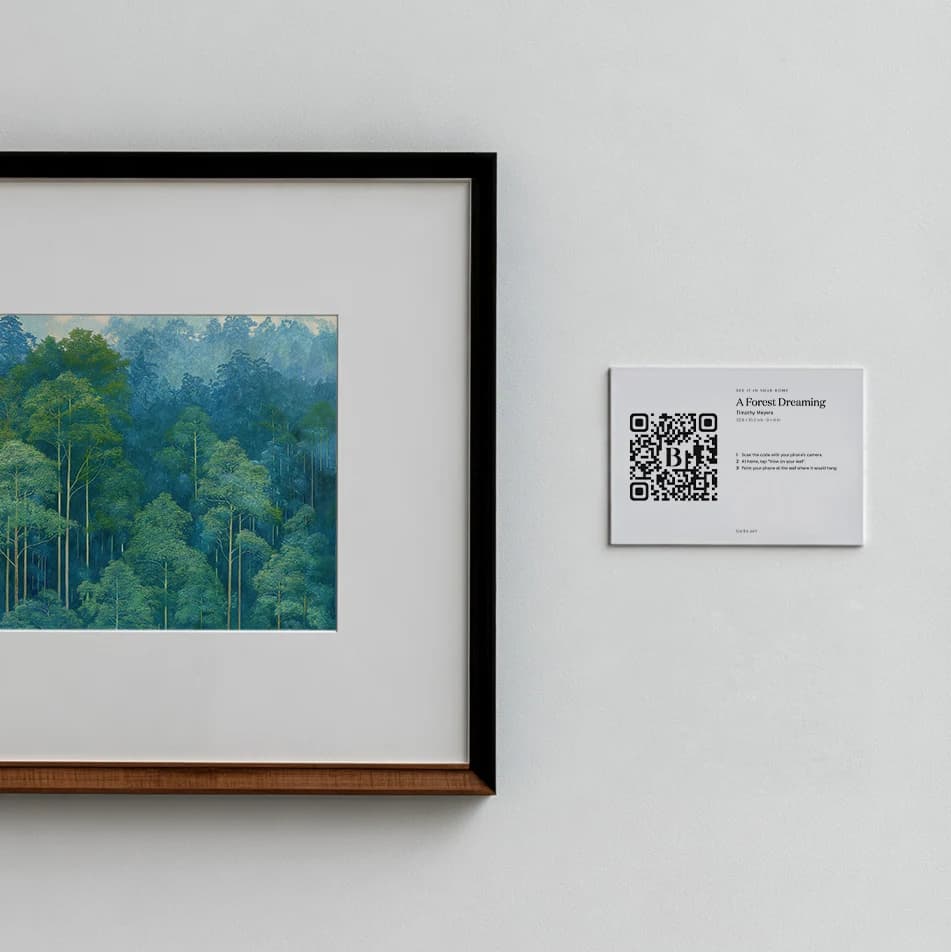
Showing work in person too?
Put a QR code on your wall labels so visitors can read each piece’s story and see it on their own wall.
Free QR codes for artists →