

QR codes for artists
A QR code for every artwork.
Put it on wall labels, price cards and posts. Buyers scan it and see the piece on their own wall, at real size, even after they’ve left your booth. Free, and ready to print.
Where artists use it
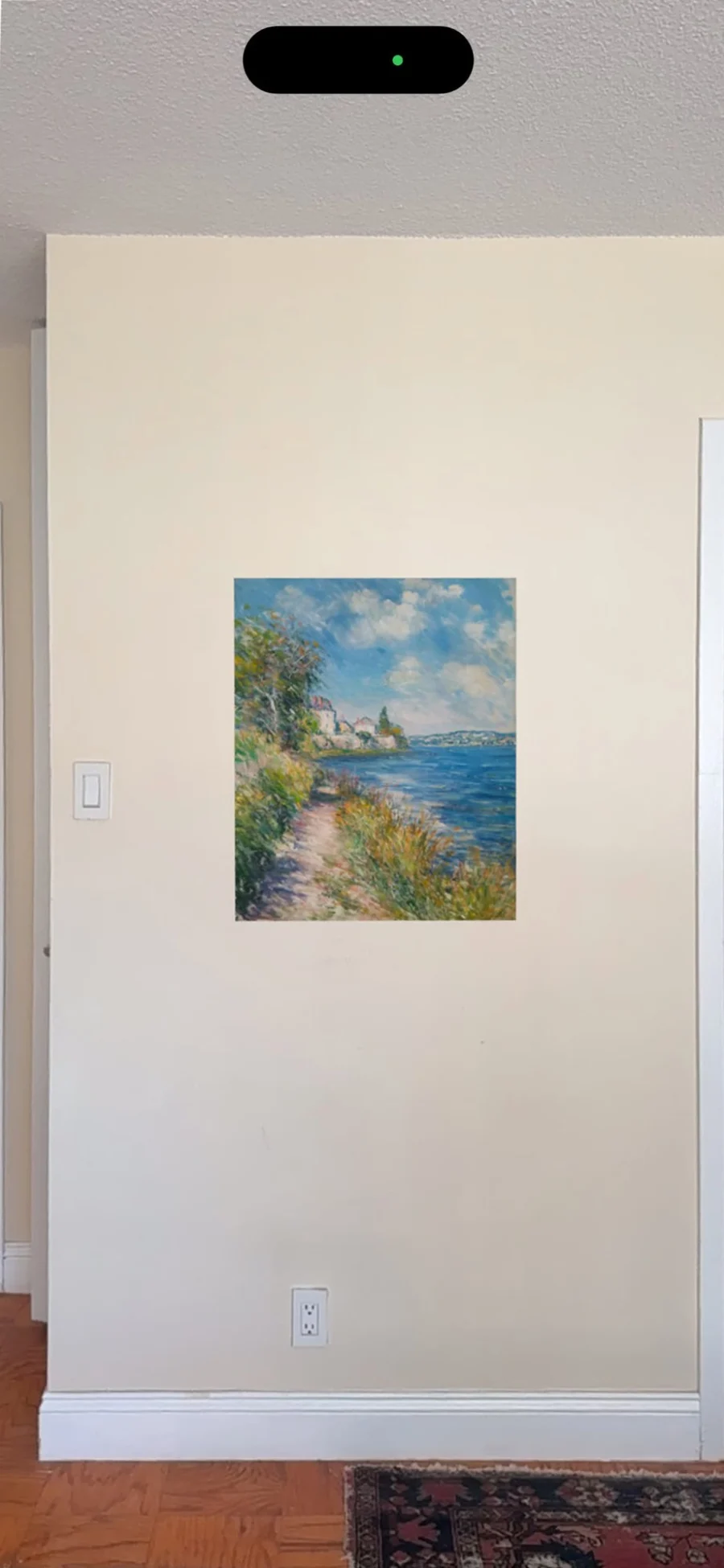
Anywhere a buyer meets your work but can’t yet picture it at home.
Art fairs and open studios
Hang a wall label beside each piece and leave placards on the table. Visitors scan now and try the work on their wall at home.
Instagram posts
Captions can’t carry links. Add the listing image as the last slide and followers scan it straight from the screen.
Your website
Paste the button under each work on Squarespace, Wix, Shopify or WordPress. On a phone it opens the preview directly.
Price lists and business cards
Print the code on price lists, catalogues, postcards and the card you tuck in with every order.
Ready to print, post and paste
Every artwork gets all of these. Scan any of the codes below to see what your buyers will see.
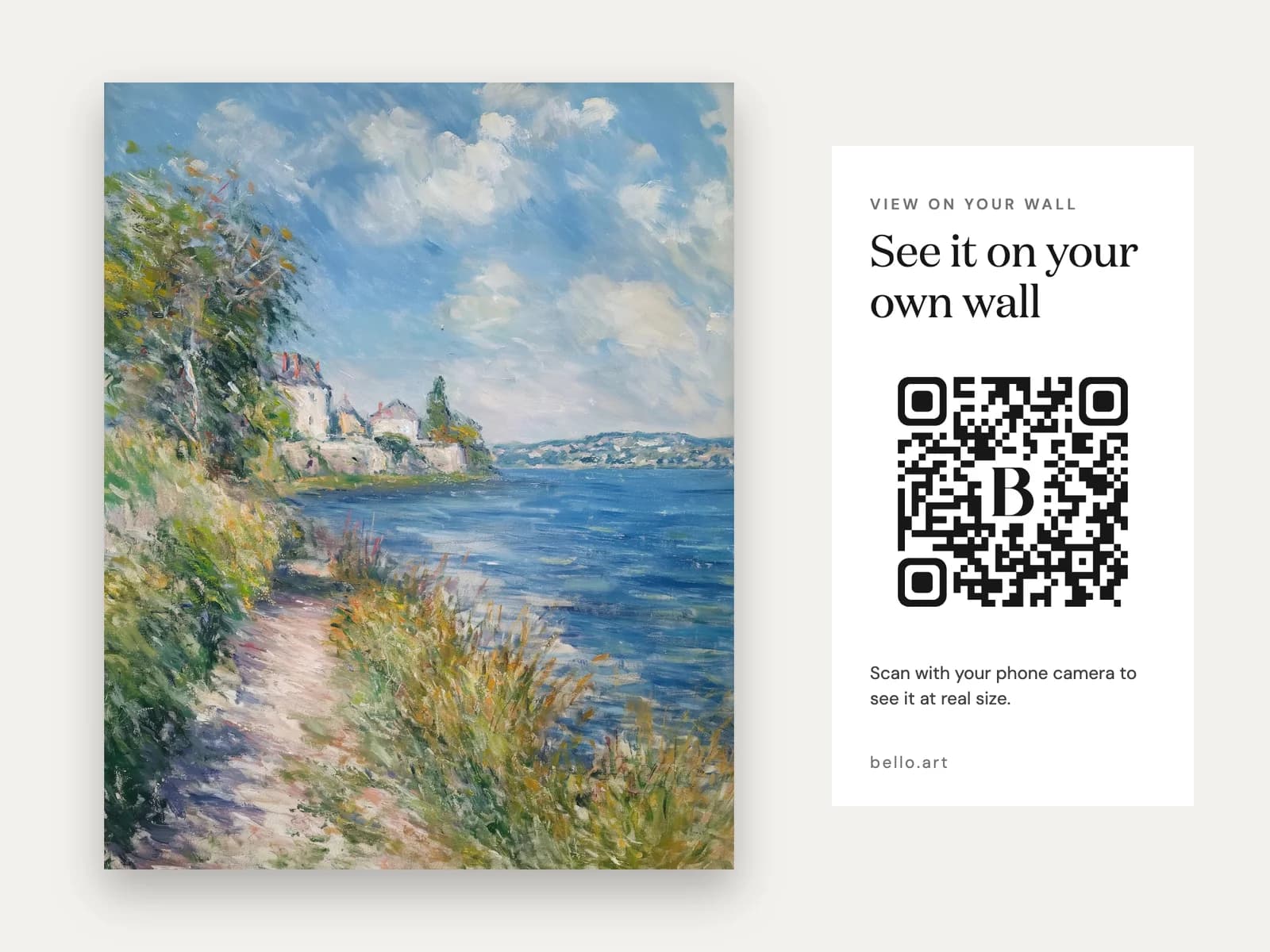
Listing image
An extra photo for Instagram posts, where links aren’t clickable, and for your listings. People scan it straight off the screen.
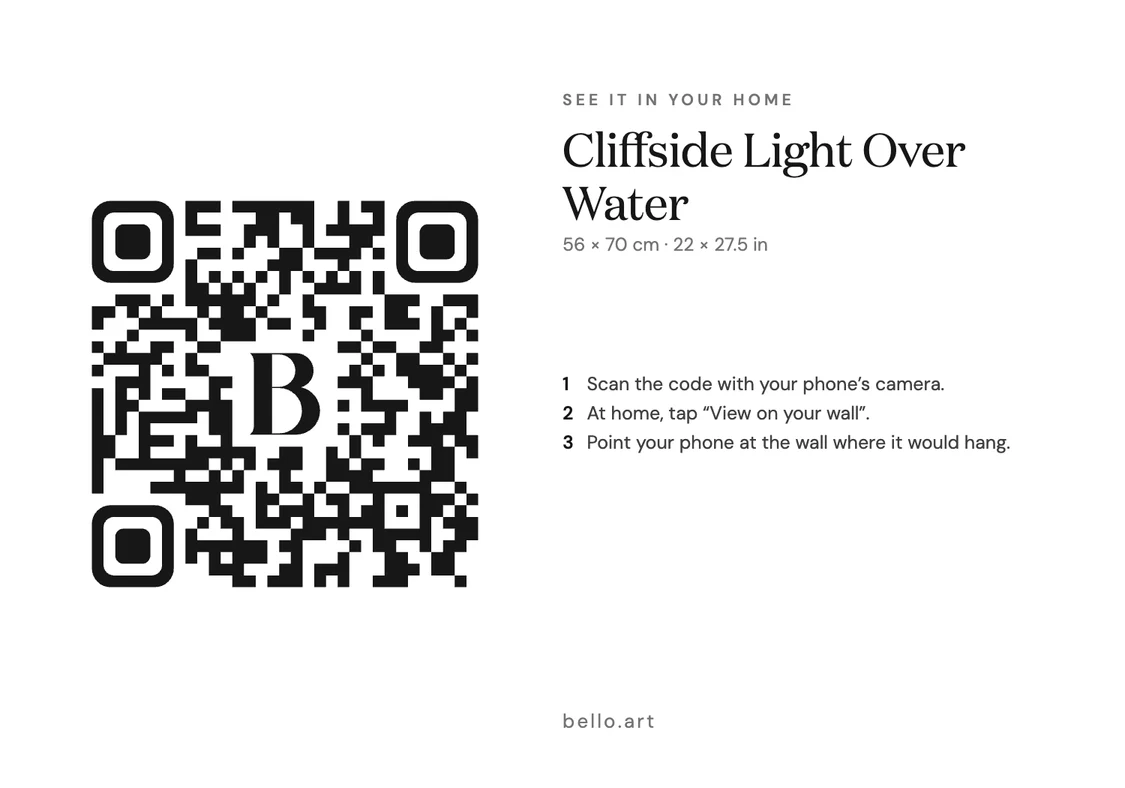
Wall label
A 5 × 3.5 in label to hang beside the piece at fairs and open studios, so visitors can take it home before they buy.
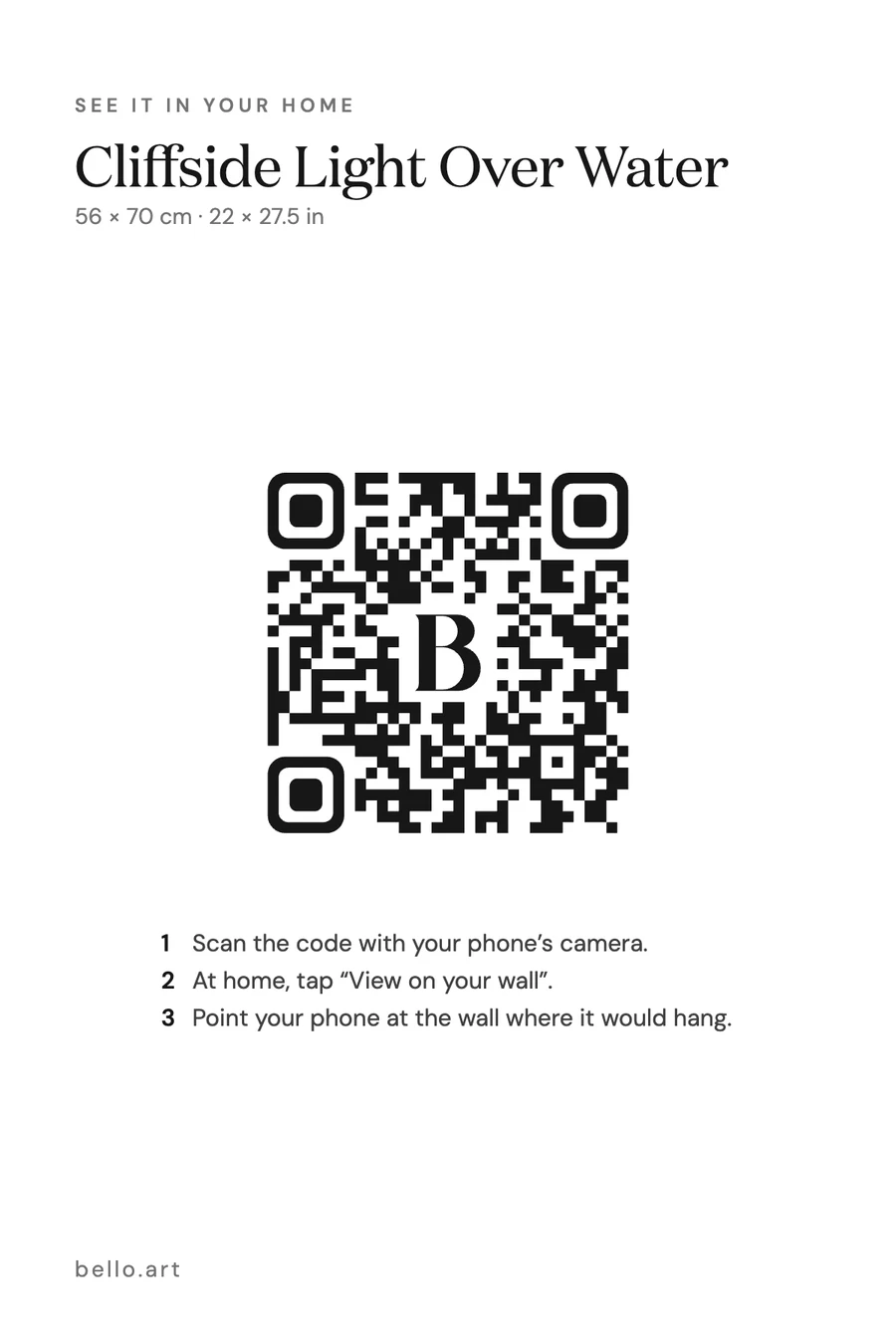
Placard
A 4 × 6 in card to hand out or leave on the table, with your title, size and price. Downloads as a print-ready PDF.
 View on your wall
Your website
A copy-and-paste button for Squarespace, Wix, Shopify or WordPress. Visitors on a computer scan it; on a phone they tap it.
Better than a plain QR code
Opens the art, not a web page
A plain QR code sends people to a site. This one puts the artwork on their wall, at its real size.
Never needs reprinting
The code points to a live link. Change the photo or size later and every printed code shows the update.
Yours to switch off
Sold the piece? Turn the link off and scanners see a polite “no longer available”. Turn it on again and the same codes work.
See who scans
With a Bello artist page, every scan shows up in your visitor stats, so you know which pieces people take home.
Try it now
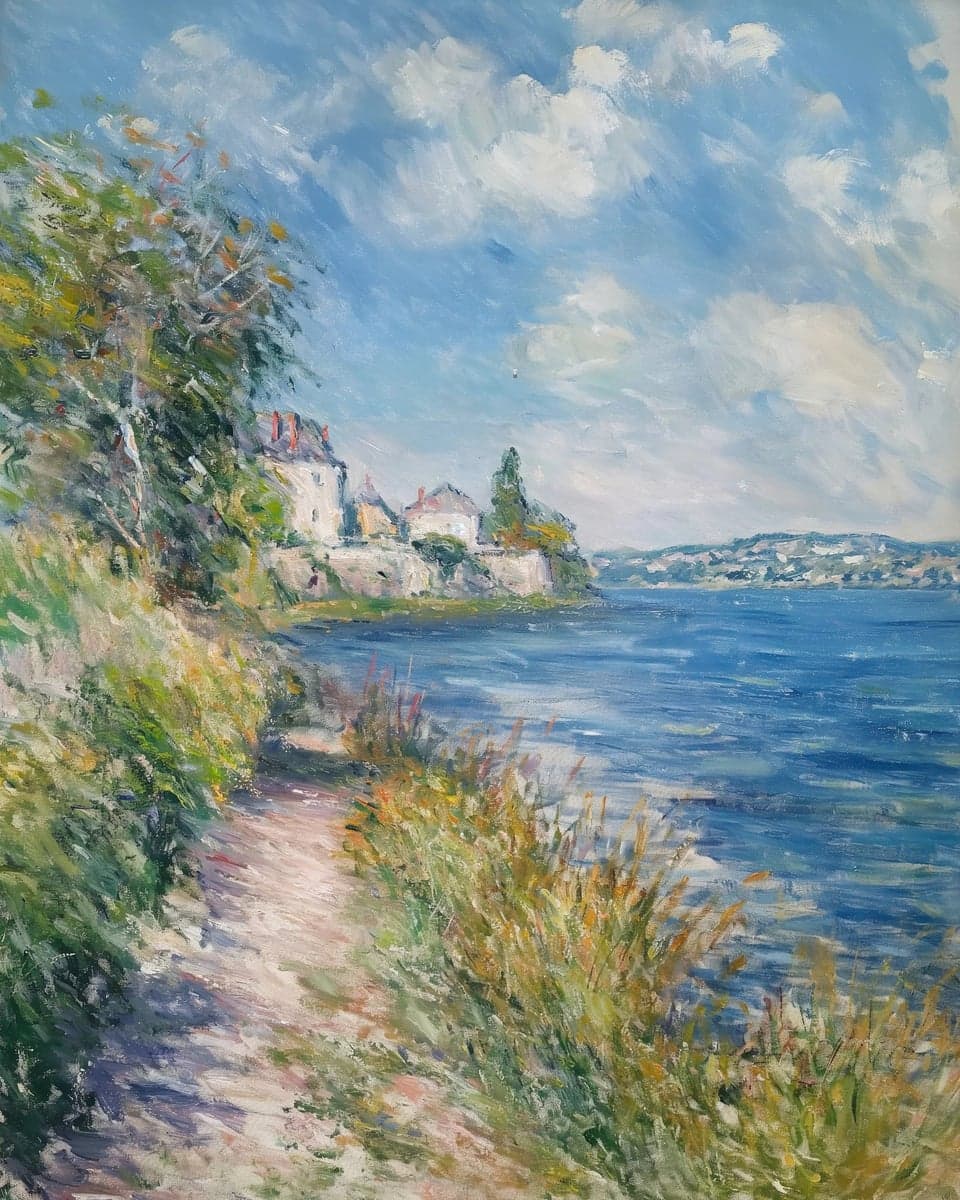
Cliffside Light Over Water
56 × 70 cm · 22 × 27.5 in
QR codes for artists, answered
- How do I make a QR code for my art?
- Upload the artwork to your free Bello library, add its width and height, and choose “Wall QR”. You get the code as PNG or SVG, plus a printable placard, wall label, listing image and website button.
- What should the QR code on my artwork link to?
- Somewhere that helps the sale. A link to your homepage makes people search for the piece; a Bello code opens that exact artwork on their own wall, at real size, which answers the question buyers actually have: will it fit?
- Can I put a QR code next to my art at an exhibition?
- Yes, that is what the wall label is for. It carries the title, size and price next to the code, with three short steps so visitors know what scanning does.
- Can I use it on Etsy?
- Check Etsy’s current Seller Policy first. Etsy does not allow QR codes or links that lead to purchases off Etsy. The wall preview has no checkout, but if you have a Bello artist page it links to it, so decide for your own shop.
- Is it free?
- Yes. QR codes, placards, labels, listing images and the website button are free for every artwork in your Bello library.
- Do my buyers need an app?
- No. Their phone camera reads the code, and the AR view is built into iPhone, iPad and most Android phones.
Your first code takes two minutes.
Upload a piece, add its size, and download the label. Curious how the viewing side works? See the wall art visualizer.
Make your QR codes