

Free wall art visualizer
See art on your wall, at real size.
Upload an artwork and add its size. Anyone with a phone can then hang it on their own wall in AR, exactly as big as the real thing. No app. Made for artists who want buyers to see how the work fits.
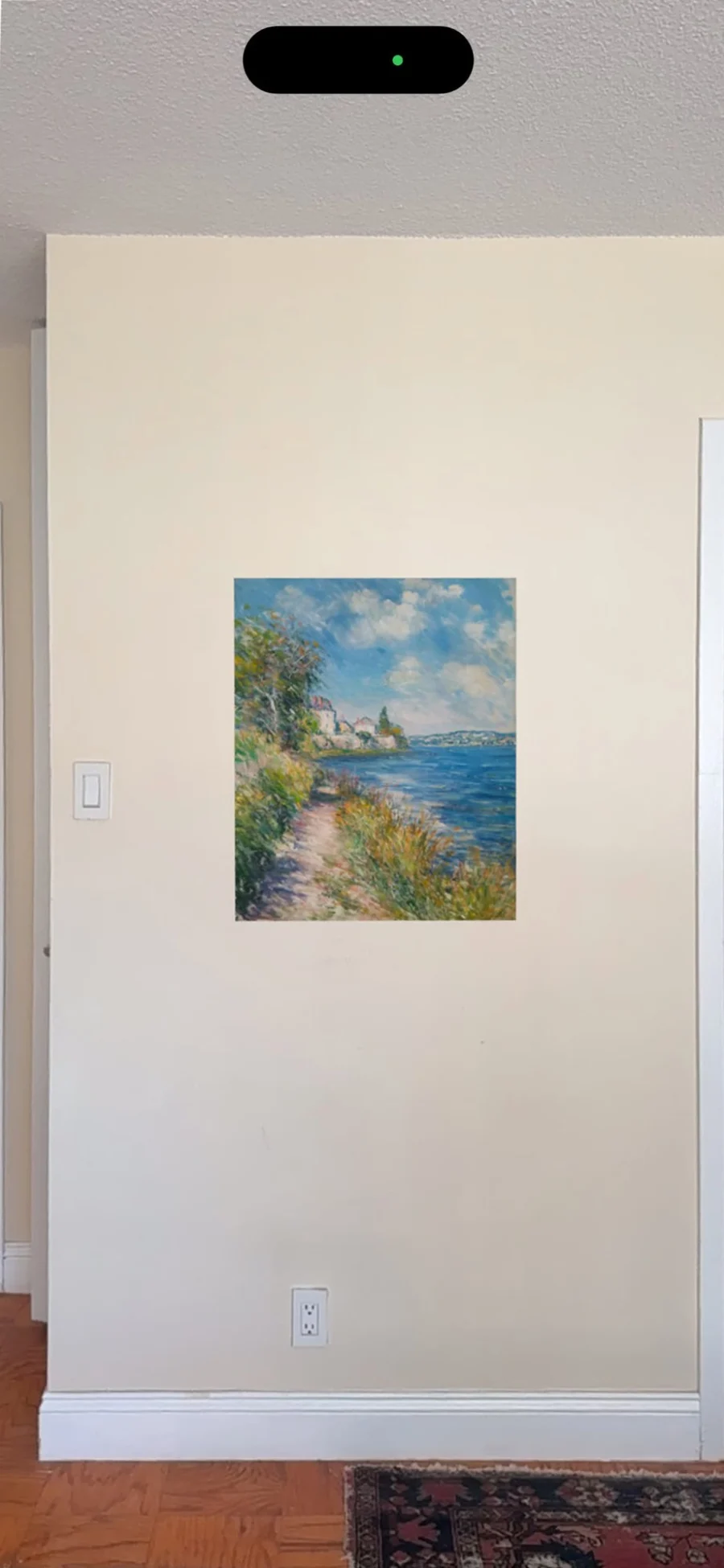
Try it on your own wall
This is a real artwork on Bello, set up exactly the way yours would be. It takes about ten seconds.
- 1On a computer, scan the code with your phone’s camera. On a phone, tap the button.
- 2Tap “View on your wall” if asked, and point your phone at a wall.
- 3Move the phone slowly for a second. The painting appears at its real size, 56 × 70 cm.

Cliffside Light Over Water
56 × 70 cm · 22 × 27.5 in
How it works
Nothing to install, for you or for the people you share it with.
1. Upload your artwork
Add a photo or scan of the piece to your free Bello library.
2. Add its real size
Enter the width and height, and it appears at exactly that size on any wall.
3. Scan and hang it
Point a phone at a wall and the work appears on it. Share the code so buyers can do the same.
Share it wherever you sell
Every artwork gets these, made for you. Scan any of the codes below to try it.
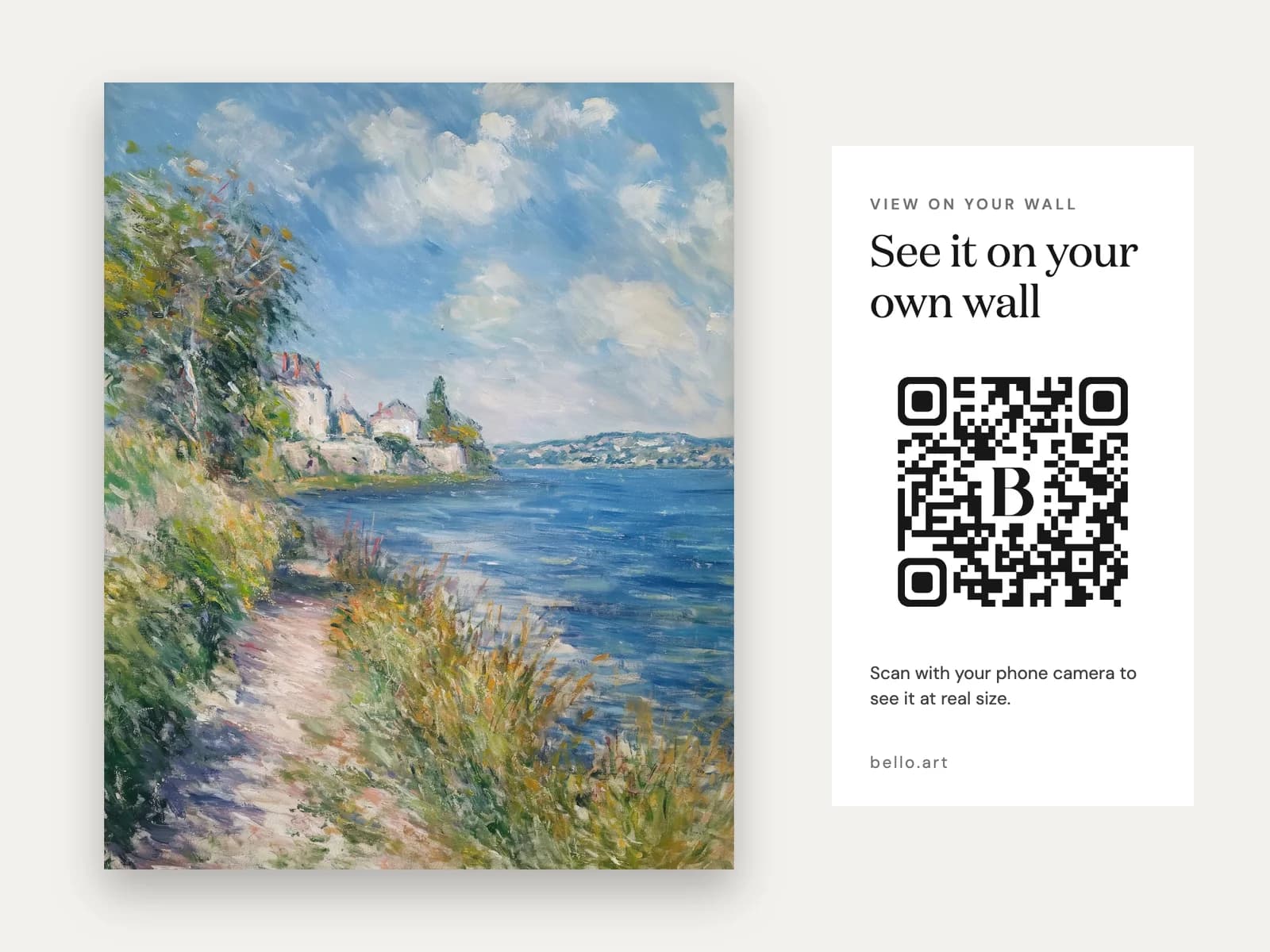
Listing image
An extra photo for Instagram posts, where links aren’t clickable, and for your listings. People scan it straight off the screen.
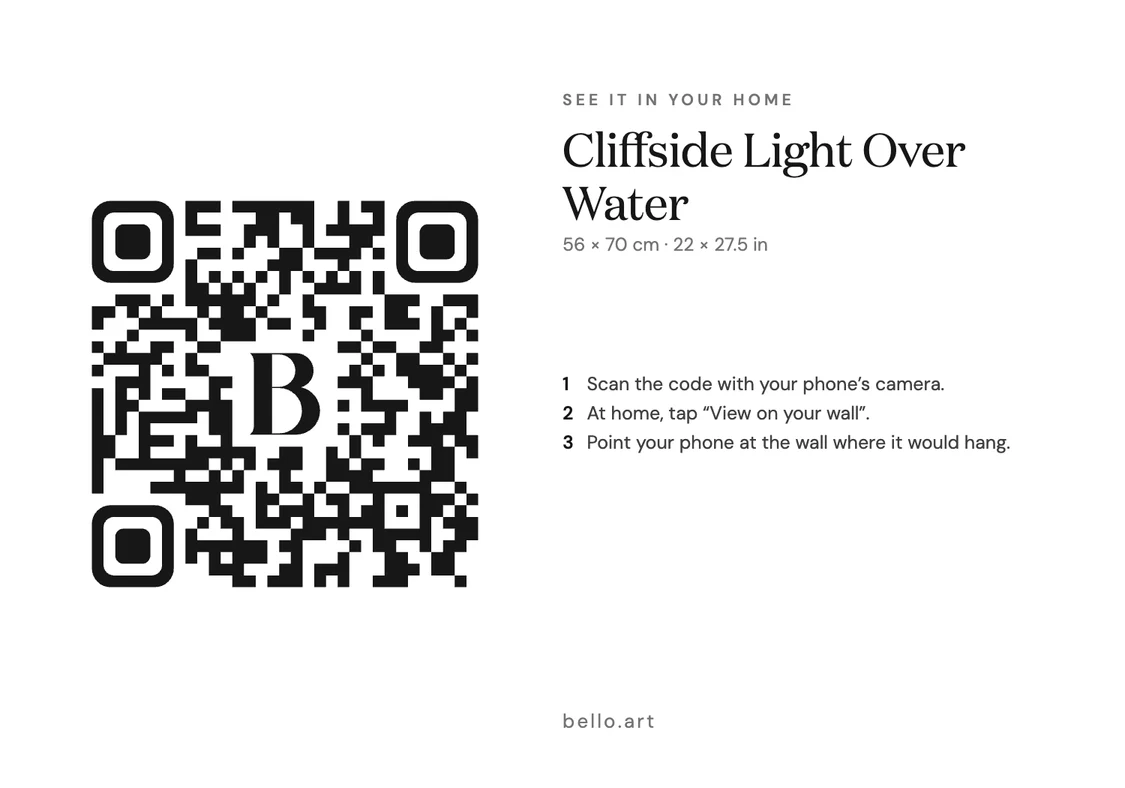
Wall label
A 5 × 3.5 in label to hang beside the piece at fairs and open studios, so visitors can take it home before they buy.
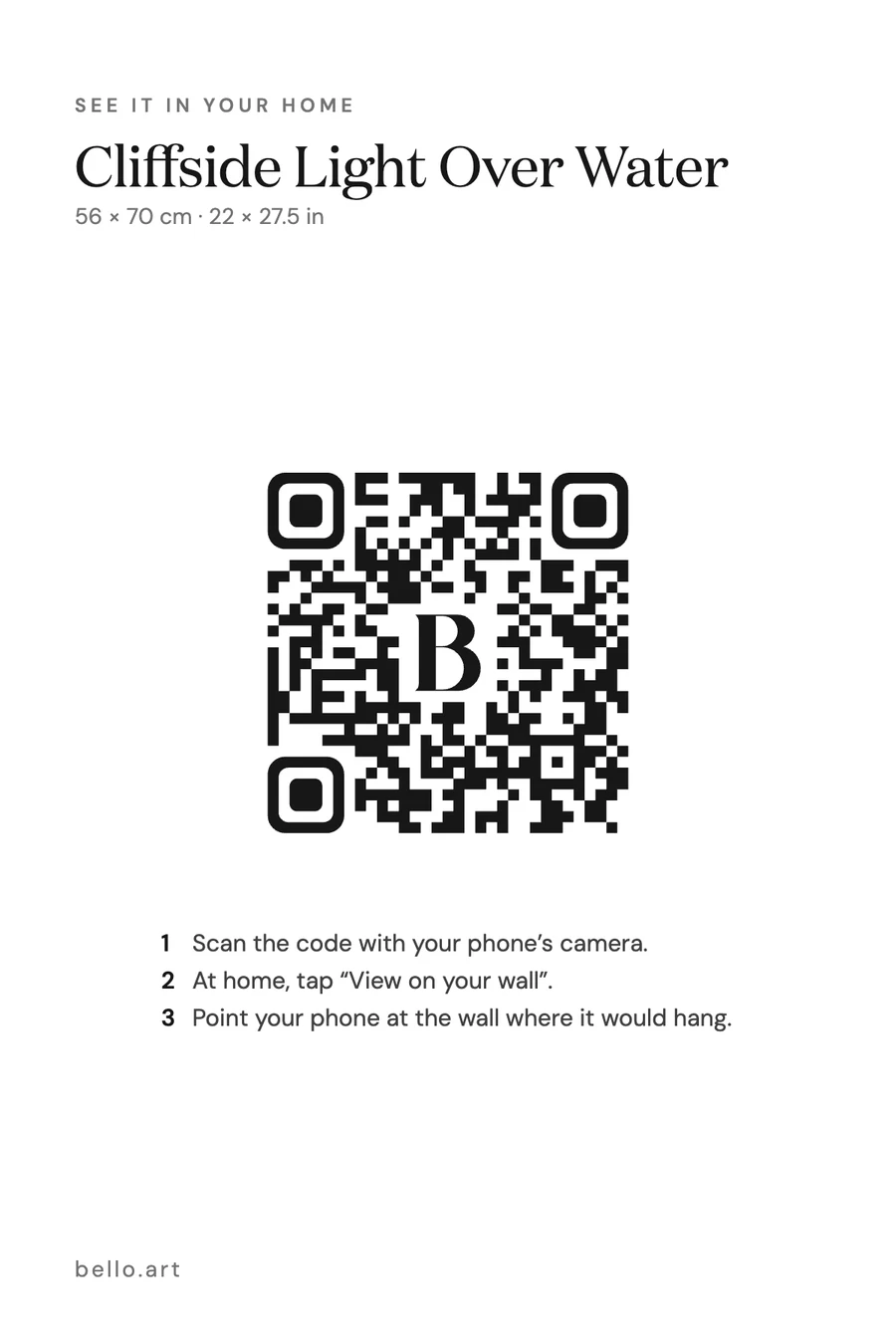
Placard
A 4 × 6 in card to hand out or leave on the table, with your title, size and price. Downloads as a print-ready PDF.
 View on your wall
Your website
A copy-and-paste button for Squarespace, Wix, Shopify or WordPress. Visitors on a computer scan it; on a phone they tap it.
Why it helps you sell
Buyers rarely hesitate because they don’t like the work. They hesitate because they can’t picture it at home.
Answers “will it fit?”
Size is the question that stalls art sales online. Buyers stop guessing from inches and see the piece over their own sofa.
Lets fair visitors take it home
At a fair, people love the work but can’t picture it at home. A wall label lets them scan it now and try it on their wall that evening.
Works where links don’t
Instagram posts can’t carry links. A photo with the code built in lets people scan it straight from the screen.
Wall art visualizer questions
- What is a wall art visualizer?
- A tool that shows a piece of art on a real wall before it is hung. Bello’s uses your phone’s camera: the artwork appears on your actual wall, at its real size, and stays in place as you move around.
- Is it free?
- Yes. Every artwork in your Bello library can have its own wall preview link and QR code, free, with or without a Bello gallery.
- Do I need an app?
- No. It uses the AR viewer built into the phone: AR Quick Look on iPhone and iPad, and Google’s Scene Viewer on most Android phones. Scan the code with the camera and tap “View on your wall”.
- Is it really shown at real size?
- Yes, once you add the artwork’s dimensions. The preview hangs at exactly that width and height. Without dimensions it appears at an estimated size and can be pinched to resize.
- Can I use it to choose a print size?
- Yes. Change the dimensions on the artwork and scan again to compare sizes on the same wall before you order prints or frames.
- Why do I need an account?
- Your artwork lives in your Bello library with its title and real size, and its link keeps working for as long as you want it to. That needs somewhere to keep it. The demo above works without signing in.
- Who can see my artwork?
- Only people with the link or code. Wall preview links are unlisted: they don’t appear on your Bello page or in search, and you can switch a link off at any time.
Free, for every artwork.
Selling at fairs and open studios? See QR codes for artists. Want your whole collection in one place? Hang it in a free virtual gallery.
Get your free QR code